

5 Awesome Syncthing Alternatives
 Lukas Mauser
Syncthing is a fantastic open-source, peer-to-peer file sync tool. No central server, no cloud account, no middleman — your files sync directly between your devices with end-to-end encryption. It's private, lightweight, and just works.
But Syncthing has its limits. There's no web UI for browsing files remotely, no way to share files with people who don't have Syncthing installed, no central admin panel for managing users, and no collaboration features like document editing or comments. If you need any of that, you'll want something different.
The good news? There are solid alternatives, many of which you can self-host. If you go with a server-based solution, you can deploy it on Sliplane for just €9/month with automatic SSL, persistent storage, and zero server maintenance.
Let's look at five Syncthing alternatives.
1. Nextcloud
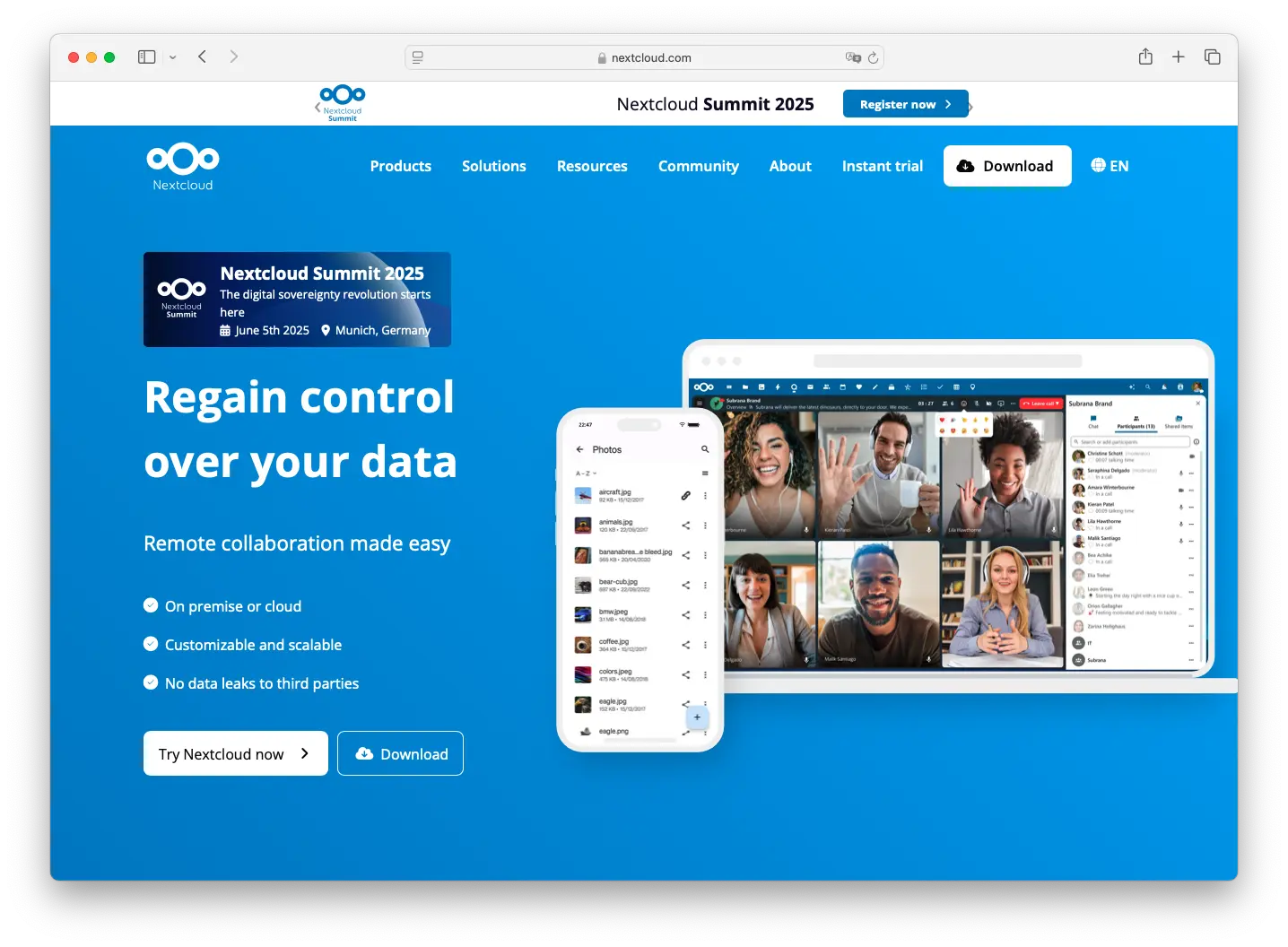
Nextcloud is the most popular self-hosted cloud platform out there. It started as a file sync and sharing tool but has grown into a full productivity suite with over 200 apps — office documents, calendar, contacts, video calls, and more. If Syncthing is a laser-focused sync tool, Nextcloud is the Swiss Army knife.
The key difference from Syncthing is that Nextcloud uses a central server. That means you get a web UI for browsing files from any browser, sharing links with external users, and managing everything from an admin panel. You can still sync files to your devices with the desktop and mobile clients, but there's always a server copy too.
- Features: 200+ apps, built-in office suite (Nextcloud Office), end-to-end encryption, federation between instances, web-based file browsing, sharing links with password protection, calendar, contacts, and video calling.
- Why you should use it: You need more than just file sync. You want a central server with a web UI, sharing links for external users, and collaboration tools. Nextcloud has the biggest community of any self-hosted cloud platform, which means great documentation and tons of third-party apps.
- Why not: It's significantly heavier than Syncthing. You need a server to run it, and a full Nextcloud instance with multiple apps can be resource-hungry. If all you need is simple file sync between your own devices, Nextcloud is overkill.
- Pricing: Free (AGPL); Enterprise support available from Nextcloud GmbH.
If you're interested, we have a complete guide to self-hosting Nextcloud on Ubuntu and a list of Nextcloud alternatives if you want to compare further.
2. Seafile
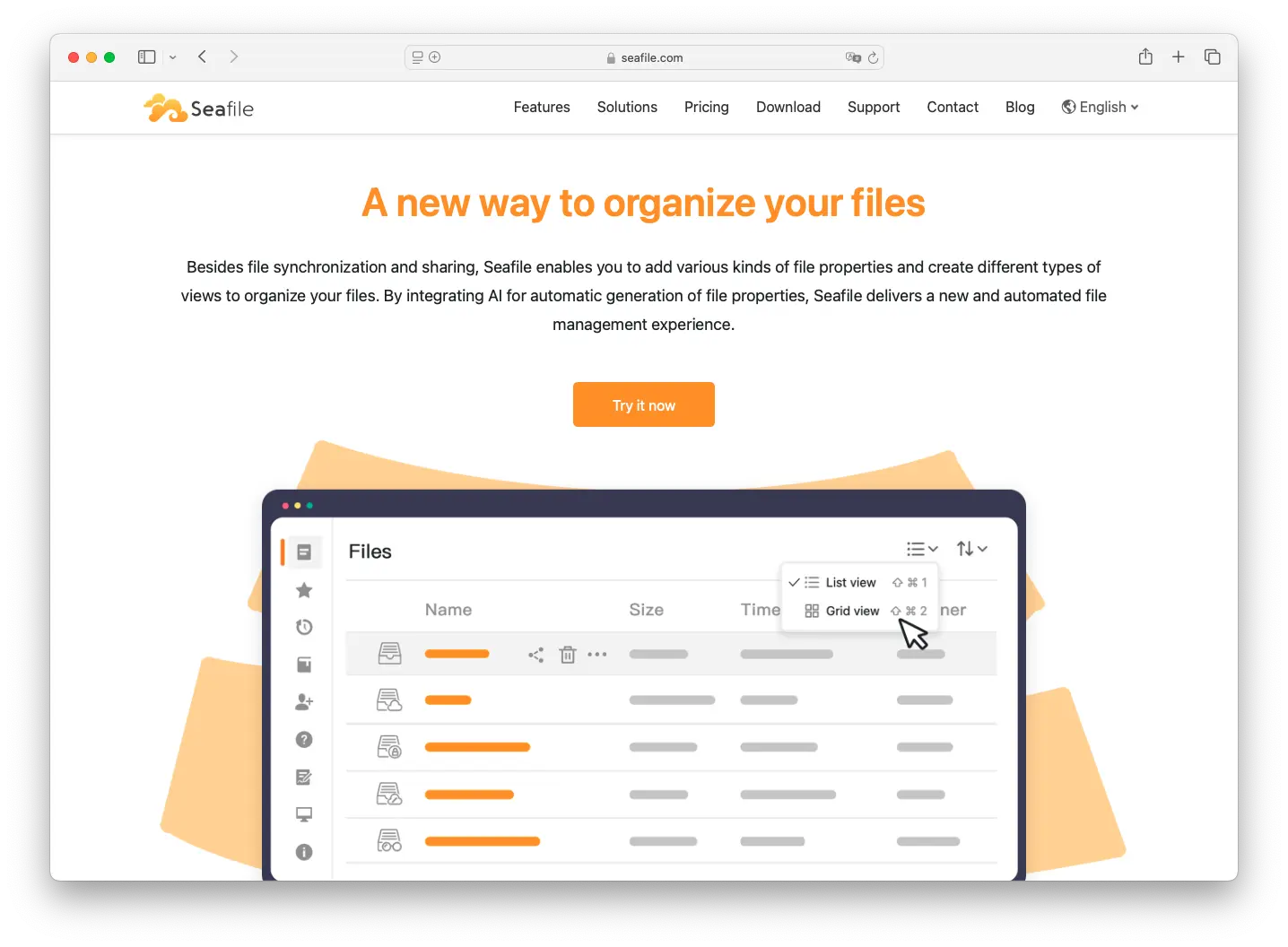
Seafile is a self-hosted file sync platform that's laser-focused on performance. Where Nextcloud tries to do everything, Seafile sticks to what it does best: syncing files fast and reliably. It uses a library-based organization system, and its sync engine is known for handling large files and big teams without breaking a sweat.
Like Nextcloud, Seafile is server-based, so you get a web UI, sharing links, and an admin panel — all the things Syncthing lacks. But unlike Nextcloud, it doesn't try to be a full productivity suite. That focus on file sync makes it lighter and faster.
- Features: Client-side encryption, web UI for file browsing, sharing links with expiration dates, library-based file organization, LDAP/AD integration, file versioning, and audit logging.
- Why you should use it: You want a server-based alternative to Syncthing that's fast and reliable, especially with large files. Seafile's sync engine consistently outperforms Nextcloud in benchmarks, and it's lighter on server resources.
- Why not: Fewer features than Nextcloud. No built-in office suite, no calendar, no contacts — it's a file sync tool, not a full cloud platform. The community is also smaller, so finding help can take more effort.
- Pricing: Free (community edition); Pro edition with additional features, pricing on request.
Want to explore more options in this space? Check out our Seafile alternatives comparison.
3. ownCloud
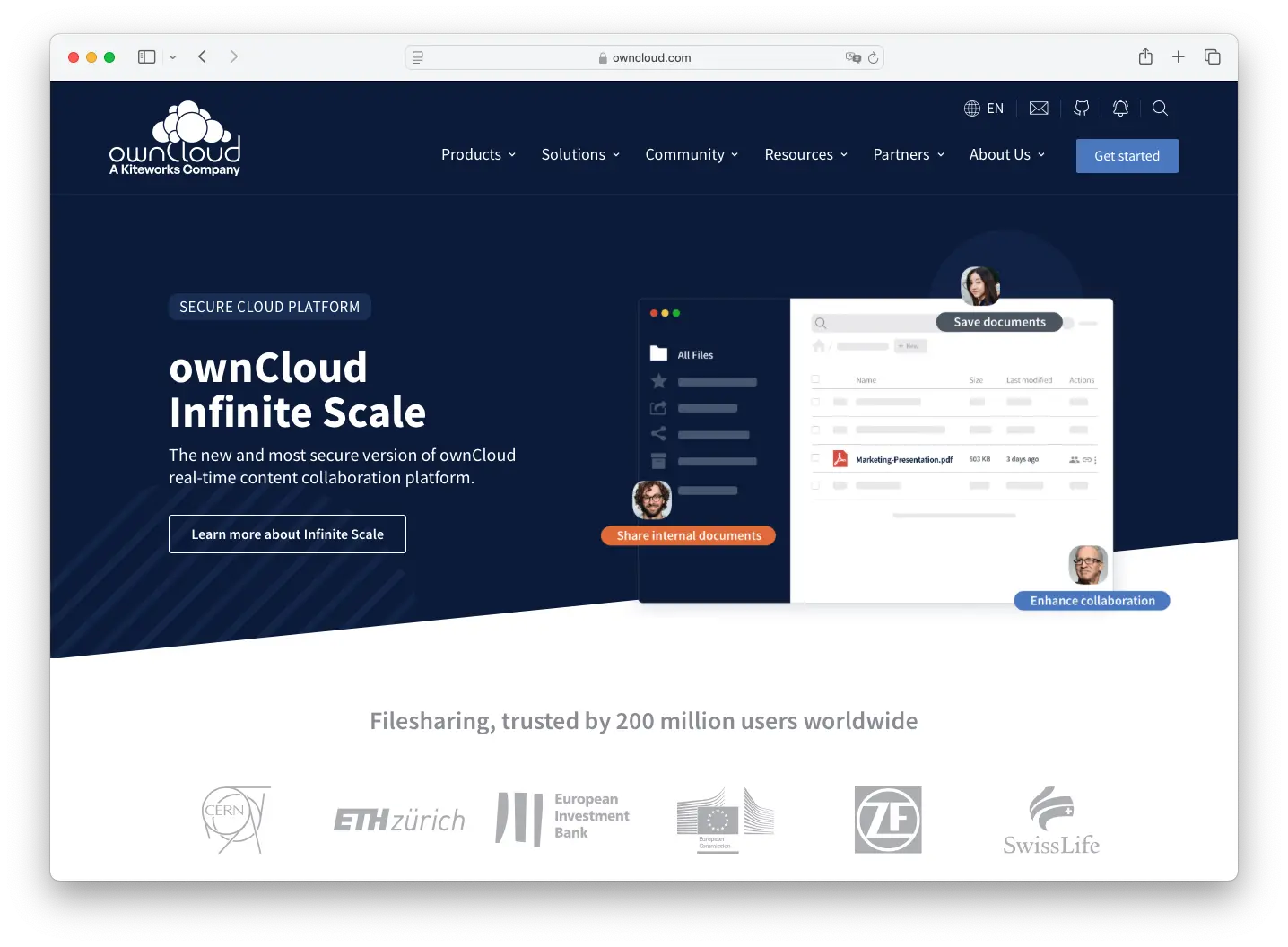
ownCloud is the original self-hosted cloud — Nextcloud was actually forked from it back in 2016. After some turbulent years, ownCloud has reinvented itself with Infinite Scale, a complete rewrite in Go that's lightweight, fast, and designed for modern deployments. It's a fresh start that makes ownCloud relevant again.
Compared to Syncthing, ownCloud gives you a central server with web-based file access, sharing links, user management, and an admin panel. The Infinite Scale version is particularly interesting because it's much lighter than the old PHP-based ownCloud, making it easier to self-host.
- Features: File sync and sharing, end-to-end encryption, two-factor authentication, LDAP integration, Infinite Scale (Go-based, microservice architecture), spaces for team collaboration, and web-based file management.
- Why you should use it: You want a solid file sync solution without Nextcloud's feature bloat. Infinite Scale is genuinely lightweight and fast, and the new architecture is a significant improvement over the old ownCloud.
- Why not: The future is somewhat uncertain after ownCloud's acquisition by Kiteworks. The community is smaller than Nextcloud's, and the app ecosystem is much more limited.
- Pricing: Free (community edition); Enterprise licensing available.
For a deeper dive, check out our ownCloud alternatives comparison and self-hosting guide for ownCloud on Ubuntu.
Want to Run a Central File Server Instead?
Syncthing's P2P approach is great, but sometimes you need a central server. With Sliplane, you can deploy Nextcloud, Seafile, or ownCloud in minutes:
- One-click deployments - No server setup required
- Automatic SSL - HTTPS out of the box
- Persistent storage - Your files stay safe
- €9/month - One price, no surprises
4. Resilio Sync
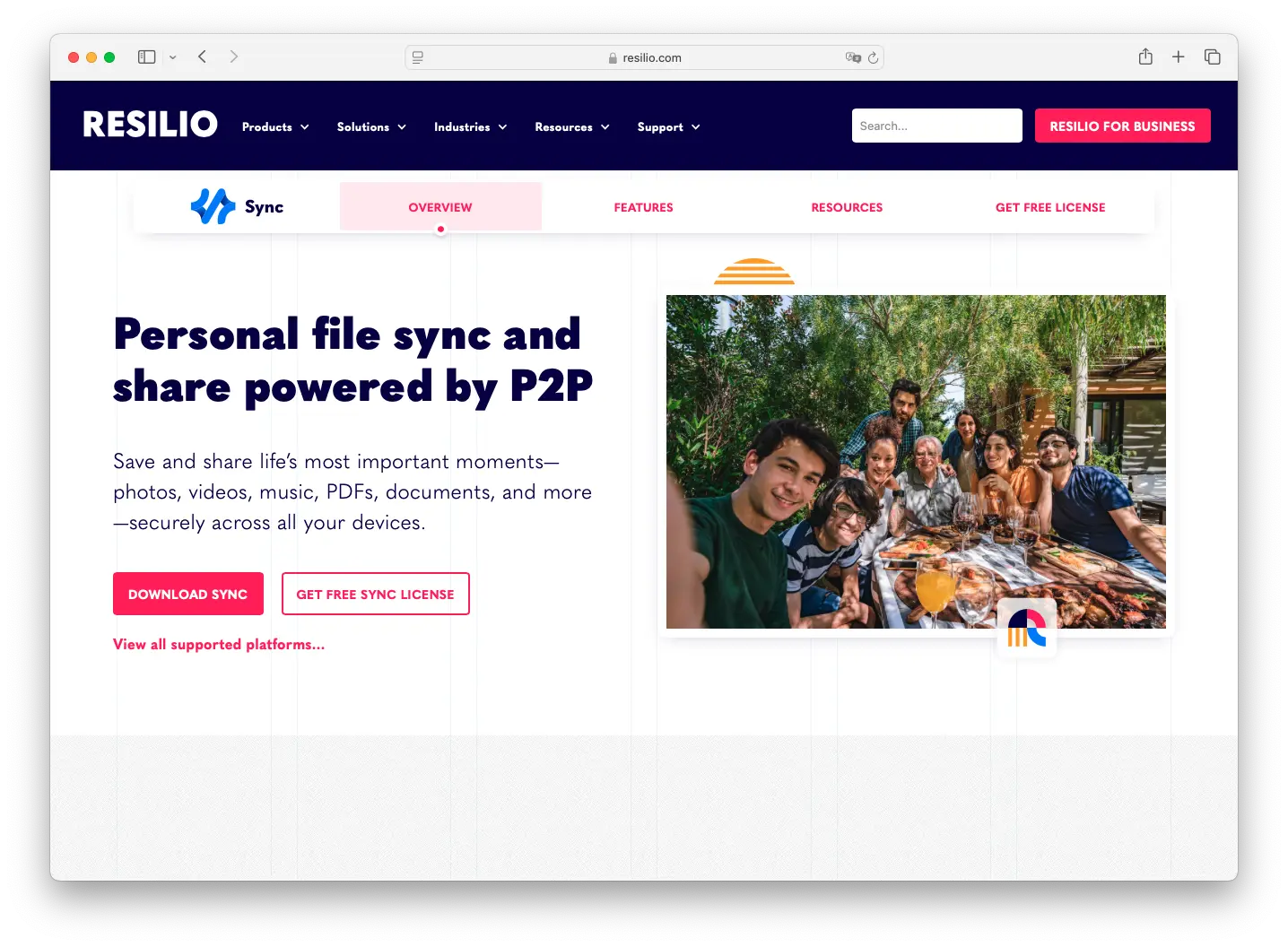
Resilio Sync is the closest alternative to Syncthing in terms of architecture. Like Syncthing, it's a peer-to-peer sync tool — no central server required. But where Syncthing is open-source and community-driven, Resilio is a commercial product built on the BitTorrent protocol with a polished UI and enterprise features.
The big advantage over Syncthing is usability. Resilio has a nicer interface, selective sync (choose which folders to sync to which devices), and a central management console for business users. It's P2P sync with a commercial polish.
- Features: Peer-to-peer sync, selective sync, end-to-end encryption, cross-platform support (Windows, macOS, Linux, iOS, Android, NAS), central management console (Business), bandwidth throttling, and encrypted folders.
- Why you should use it: You like Syncthing's P2P approach but want a better UI, commercial support, and enterprise management features like a central admin console and user permissions.
- Why not: It's proprietary and closed-source, which is a dealbreaker for many Syncthing users who value open-source and transparency. The free personal version is limited, and business features require a paid license.
- Pricing: Free (personal, limited to basic sync); Business starts at $29/user/year.
5. Cozy Cloud
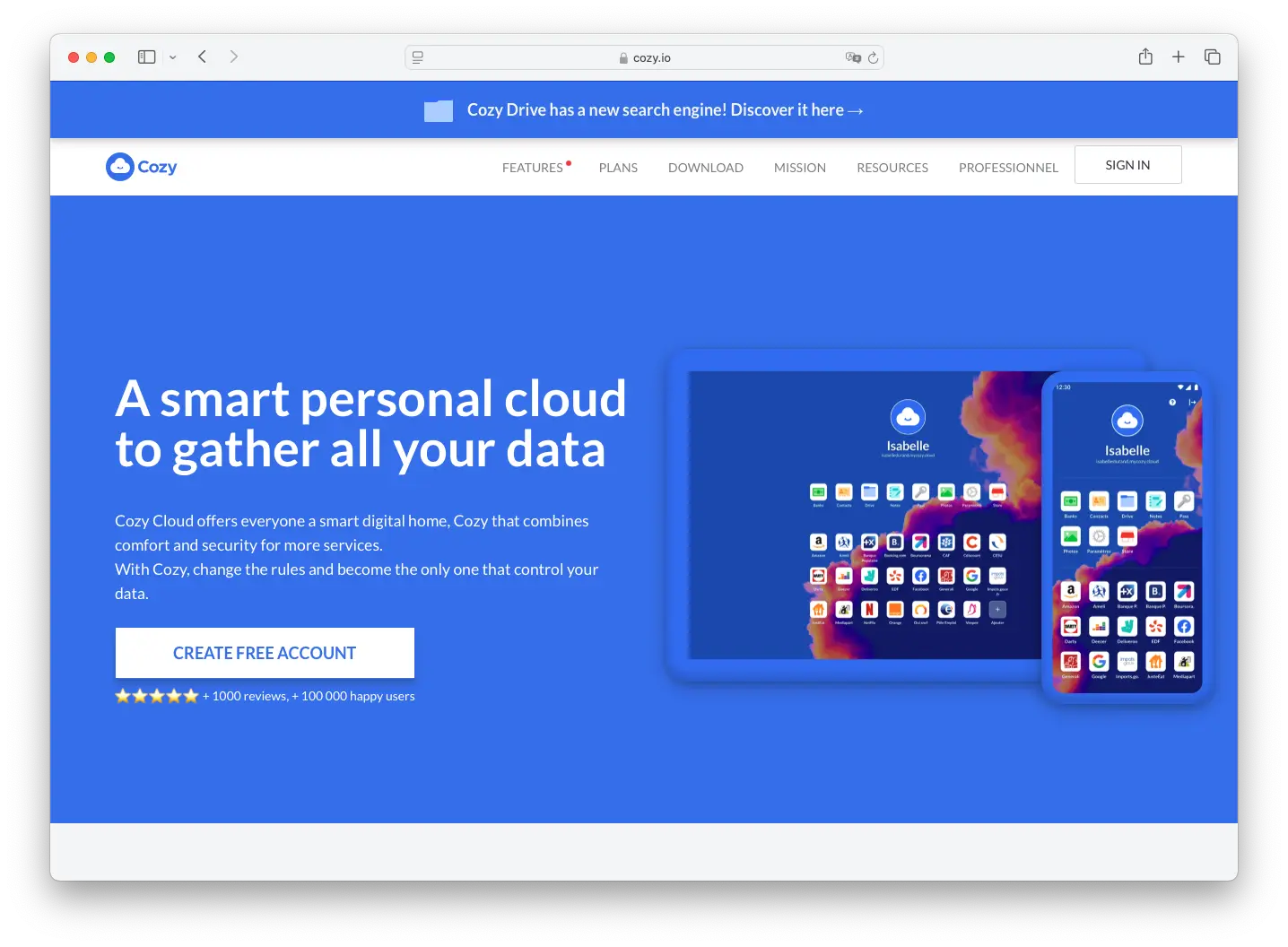
Cozy Cloud takes a different approach. It's a personal cloud platform focused on data privacy that goes beyond just file sync. Cozy manages your files, notes, and passwords, but its killer feature is data connectors — it can automatically pull in data from your bank, energy provider, insurance, and other online services into one private dashboard.
Compared to Syncthing, Cozy gives you a central server with a web UI and file sharing capabilities. But the real draw is the personal data aggregation. If you want a single, private place for all your digital life — not just file sync — Cozy is unique in this space.
- Features: File sync and sharing, note-taking, password management, web data connectors (bank statements, energy bills, insurance documents), contacts management, self-hostable, and a polished mobile app.
- Why you should use it: You want a personal cloud that goes way beyond file sync. The data connectors that aggregate information from online services are genuinely useful, and the focus on personal data privacy aligns with Syncthing's philosophy.
- Why not: It's primarily designed for personal use — not great for teams or enterprise deployments. The community is smaller, the connector ecosystem varies by country, and there are limited collaboration features.
- Pricing: Free (self-hosted, AGPL); Cozy Cloud hosted plans available starting at €2.99/month.
Comparison
| Tool | Architecture | Web UI | External Sharing | Self-Hostable | Open Source | Best For | Starting Price |
|---|---|---|---|---|---|---|---|
| Syncthing | P2P | No | No | N/A (no server) | Yes (MPL-2.0) | Private device-to-device sync | Free |
| Nextcloud | Server | Yes | Yes | Yes | Yes (AGPL) | Full productivity suite | Free |
| Seafile | Server | Yes | Yes | Yes | Yes (AGPL) | Fast file sync for large files | Free |
| ownCloud | Server | Yes | Yes | Yes | Yes (Apache) | Lightweight server-based sync | Free |
| Resilio Sync | P2P | Yes | Yes (limited) | N/A (no server) | No | P2P sync with commercial support | Free (limited) |
| Cozy Cloud | Server | Yes | Yes | Yes | Yes (AGPL) | Personal cloud with data connectors | Free |
Conclusion
Each alternative fills a different gap that Syncthing leaves open:
Nextcloud is the go-to if you need a full cloud platform with file sync, office suite, calendar, and collaboration — the biggest community and most apps. Seafile is the better pick if you care most about sync performance and want something lighter than Nextcloud, especially for large files. ownCloud with Infinite Scale is worth a look if you want a lean, modern file sync server without the feature bloat. Resilio Sync is the closest to Syncthing's P2P model but adds a polished UI and commercial support. And Cozy Cloud is unique if you want a personal cloud that aggregates data from online services, not just file sync.
That said, Syncthing is still excellent at what it does. If all you need is private, device-to-device file sync with no server and no account, nothing on this list beats it. The alternatives shine when you need things Syncthing doesn't offer: web access, sharing links, central management, or collaboration features.
Want to self-host one of these? You can deploy Nextcloud, Seafile, or ownCloud on Sliplane in minutes — no server setup, automatic SSL, and persistent storage for just €9/month.
Cheers,
Lukas

