
5 Awesome Apache Superset Alternatives
 Lukas Mauser
Apache Superset is a powerhouse. With over 70,000 GitHub stars and backing from the Apache Software Foundation, it's used by companies like Airbnb, Dropbox, and Lyft for data exploration and visualization. It offers 40+ chart types, a full SQL Lab, a semantic layer, and a plugin architecture that lets you extend it in almost any direction.
But that power comes at a cost. Superset is heavy on resources, complex to set up, and has a steep learning curve. There's no visual query builder for non-technical users, and getting it running in production can feel like a project in itself. If your team doesn't need all that firepower, there are simpler tools that get the job done.
You can self-host any of the alternatives below on Sliplane for just €9/month — unlimited users, no usage limits, and your data stays on your servers.
Let's look at 5 awesome Apache Superset alternatives.

1. Metabase
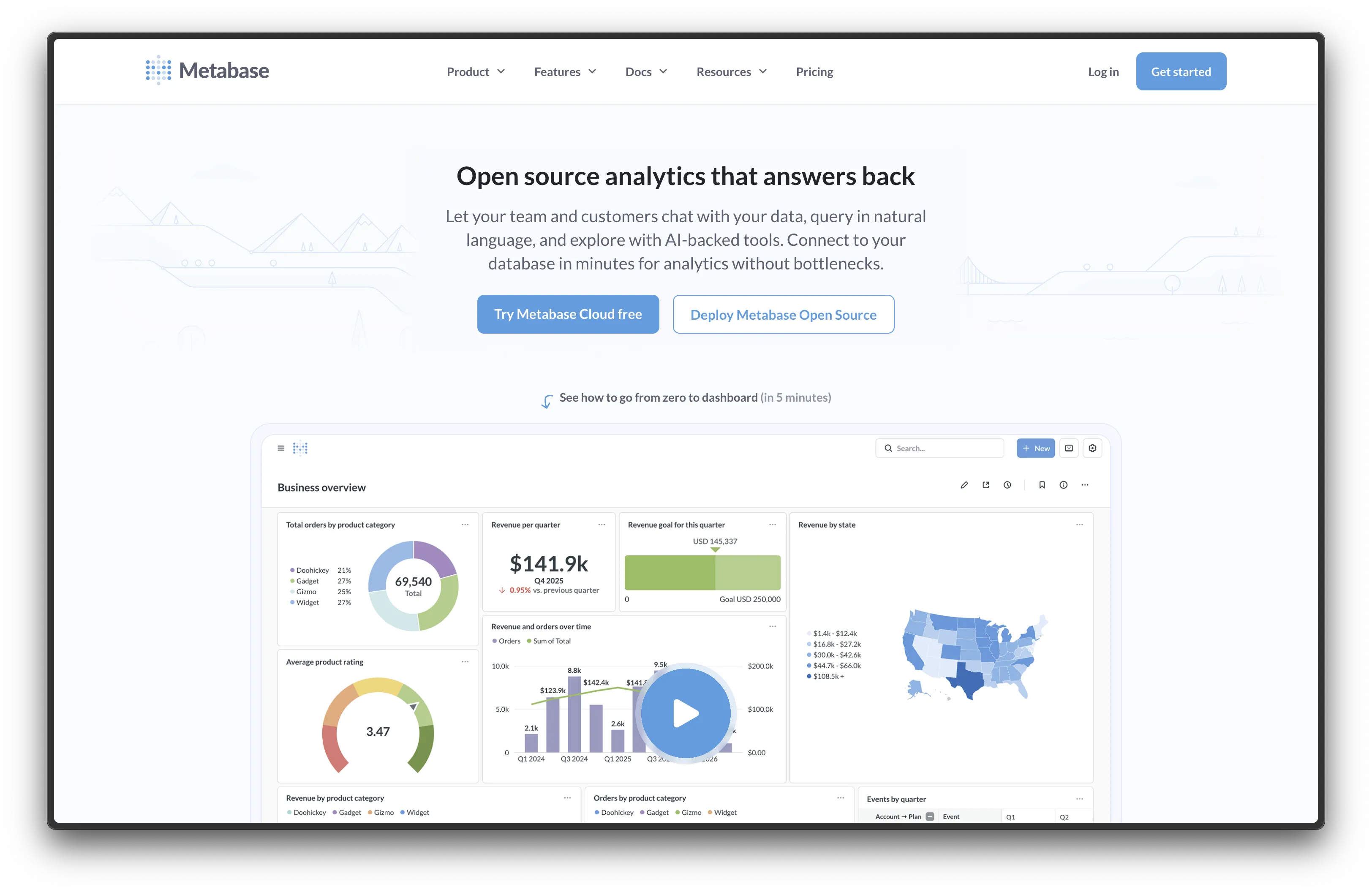
Metabase is one of the most popular open-source BI tools out there, with over 40,000 GitHub stars and used by more than 60,000 companies worldwide. Where Superset caters to SQL-savvy data teams, Metabase was built for everyone — including people who've never written a query in their life.
The visual query builder is the standout feature. Non-technical users can explore data, filter results, and build dashboards by clicking through a clean UI. No SQL required. But if your team does know SQL, there's a powerful query editor under the hood too.
- Features: Visual query builder (no SQL needed), interactive dashboards, embedded analytics, 20+ data source connectors, alerting, scheduled reports, and a SQL editor for power users.
- Why you should use it: If your team includes non-technical users who need to explore data without writing SQL, Metabase is hard to beat. It's way easier to set up and learn than Superset, and you'll have your first dashboard running in minutes.
- Why not: Fewer visualization types than Superset (no 40+ chart library), no semantic layer for defining reusable metrics and dimensions, and less powerful for advanced SQL-heavy analytics at scale.
- Pricing: Free (open-source, AGPL); Metabase Cloud starts at €85/month for 5 users.
Check out our Metabase alternatives comparison for a deeper look, or follow our self-hosting guide to get Metabase running in under 2 minutes.
2. Redash
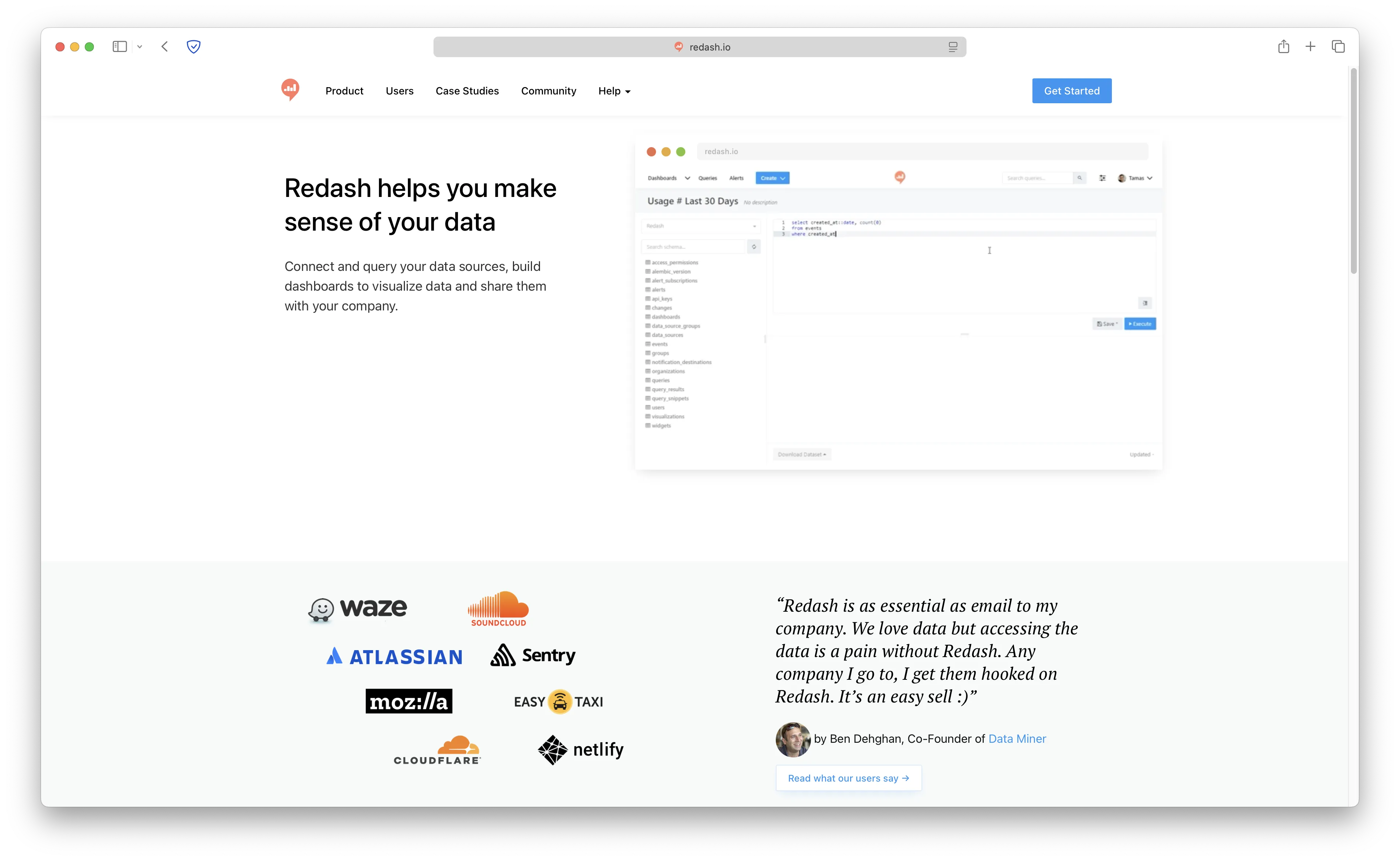
Redash is a lightweight, SQL-first BI tool with over 28,000 GitHub stars. It doesn't try to be an enterprise platform — it just wants to make it easy to query data and turn results into dashboards.
If your team already thinks in SQL and just needs a clean interface to run queries and share results, Redash gets out of the way. The parameterized queries feature is great for building reusable reports, and the REST API makes it easy to integrate into existing workflows.
- Features: SQL query editor with autocomplete, parameterized queries, 35+ data source connectors (PostgreSQL, MySQL, BigQuery, Redshift, MongoDB, and more), alerts, scheduling, REST API, and dashboard sharing.
- Why you should use it: If your team lives in SQL and just wants to query + visualize fast without the overhead of a full BI platform, Redash is a great pick. Much lighter than Superset with a fraction of the setup complexity.
- Why not: Fewer visualization types than Superset, less polished UI, and the visual query builder is limited. No semantic layer, no row-level security, and no plugin architecture.
- Pricing: Free (open-source, BSD 2-Clause); self-hosted only (no managed cloud option).
3. Lightdash
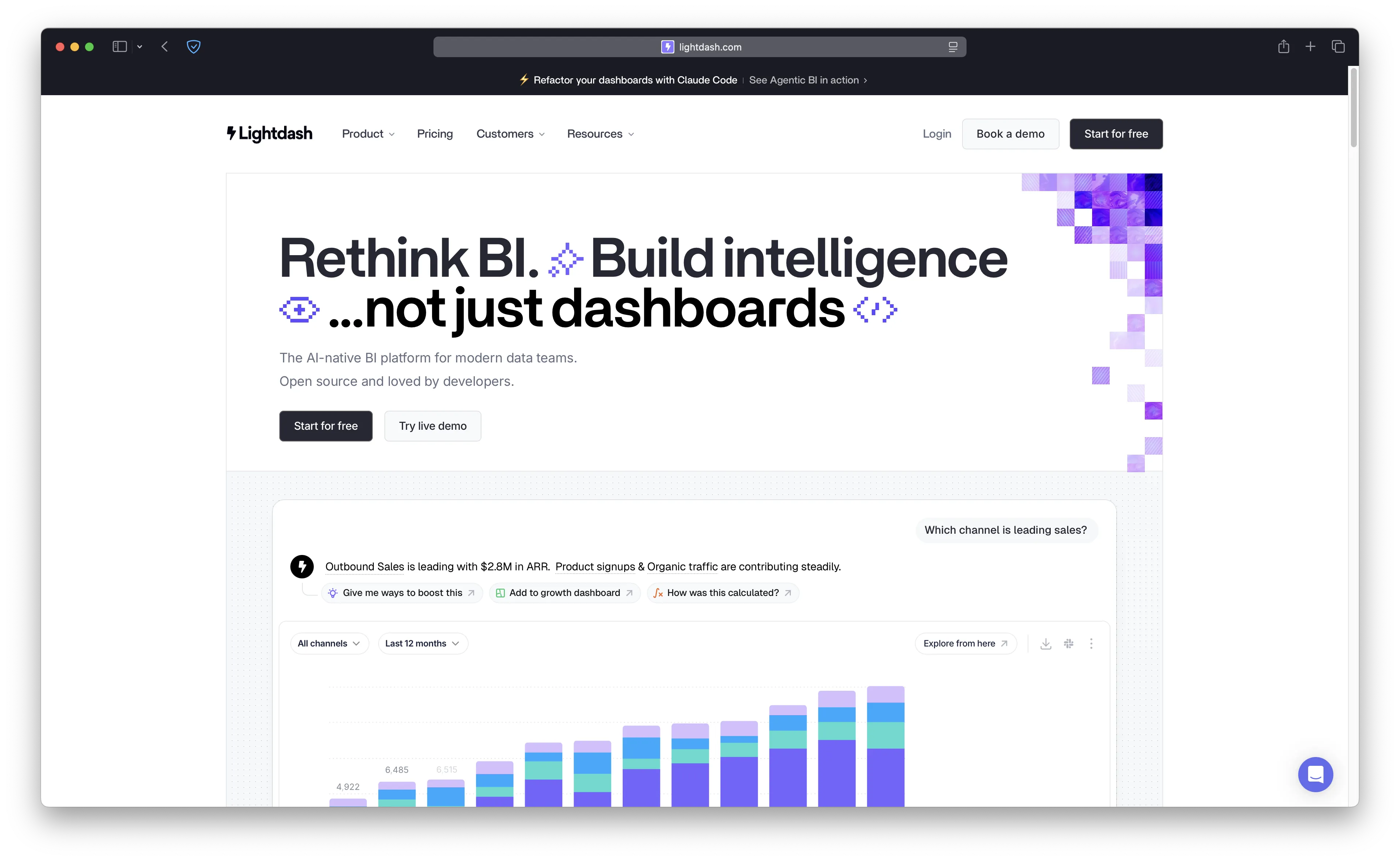
Lightdash is an open-source BI tool built specifically for teams using dbt. Instead of defining metrics in a BI layer (like Superset's semantic layer), you define them in YAML alongside your dbt models. That means your metrics live in version control, get reviewed in PRs, and stay in sync with your data transformations.
This "metrics-as-code" approach is a fundamentally different philosophy from Superset. If your team already uses dbt, Lightdash feels like a natural extension of your existing workflow rather than a separate tool to learn.
- Features: Native dbt integration, metrics defined in YAML, automatic dimension creation from dbt models, lineage visualization, scheduled reports, charts-as-code, and AI agents for natural language queries.
- Why you should use it: If you use dbt and want your metrics version-controlled alongside your transformations, Lightdash is unique. No other BI tool integrates this deeply with dbt.
- Why not: Requires dbt — it's not useful as a standalone BI tool. The Cloud Pro plan is steep at €2,400/month. Less mature than Superset or Metabase for general-purpose BI.
- Pricing: Free (open-source self-hosted, Apache License 2.0); Cloud Pro at €2,400/month.
4. Knowage
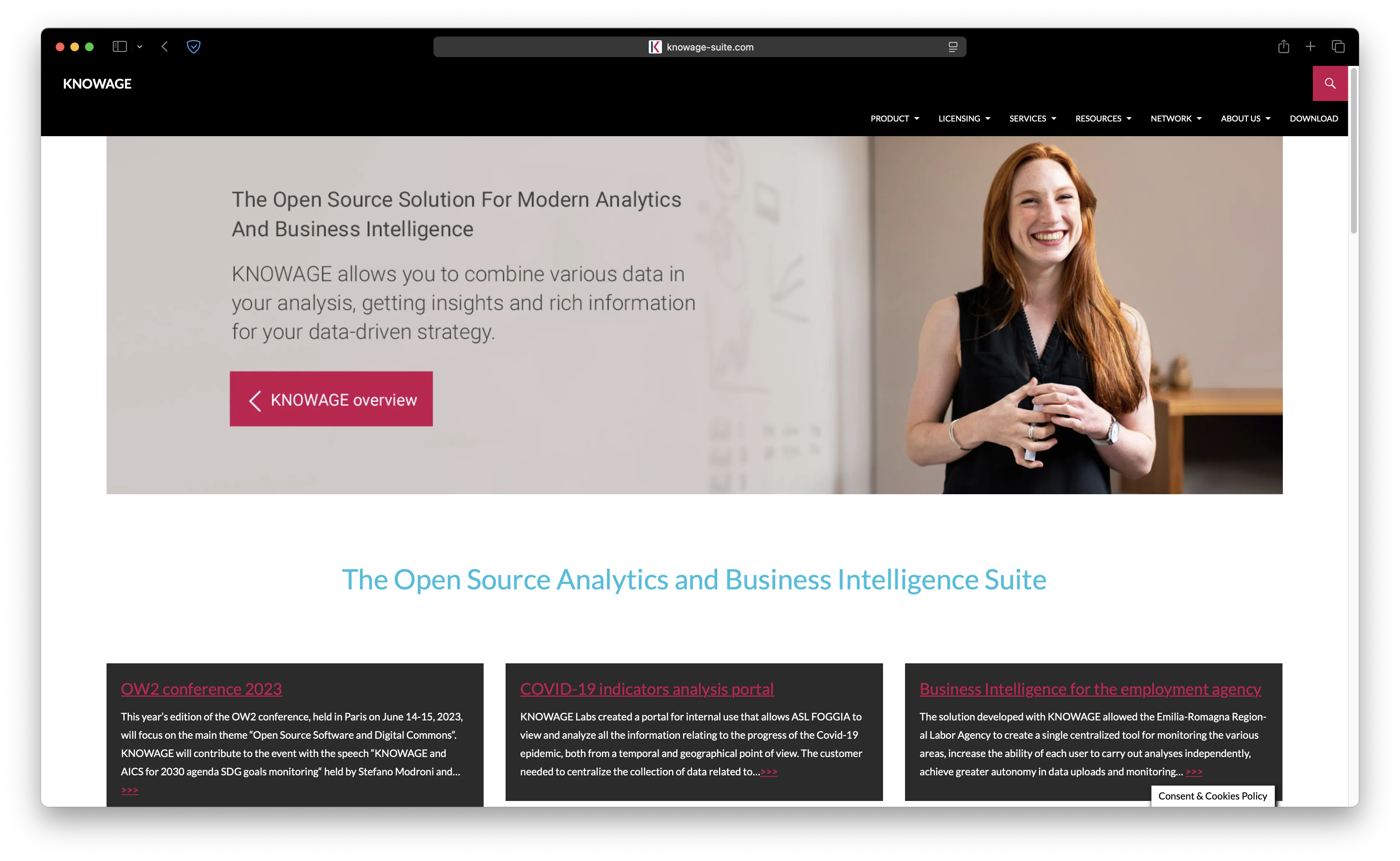
Knowage is a full-featured open-source business intelligence suite built for enterprise use. While Superset focuses on data exploration and visualization, Knowage tries to cover everything: OLAP analysis, ad-hoc reporting, dashboards, KPI monitoring, and even location intelligence — all in one platform.
It's the kind of tool you'd expect in a large enterprise with structured reporting workflows. If you need traditional BI capabilities like OLAP cubes and formatted reports alongside interactive dashboards, Knowage delivers all of that in a single package.
- Features: OLAP analysis, ad-hoc reporting, interactive dashboards, KPI monitoring, location intelligence, embedded R/Python for advanced analytics, and support for both traditional databases and big data sources.
- Why you should use it: If you need a complete enterprise BI suite that covers OLAP, reporting, and dashboards in one package, Knowage is one of the few open-source options that does it all. Strong choice for organizations that need structured reporting workflows alongside self-service exploration.
- Why not: The UI feels dated compared to Superset or Metabase. Setup is complex (arguably even more so than Superset), the community is smaller, and finding help online can be harder.
- Pricing: Free (open-source, AGPL-3.0); enterprise support available.
5. Evidence
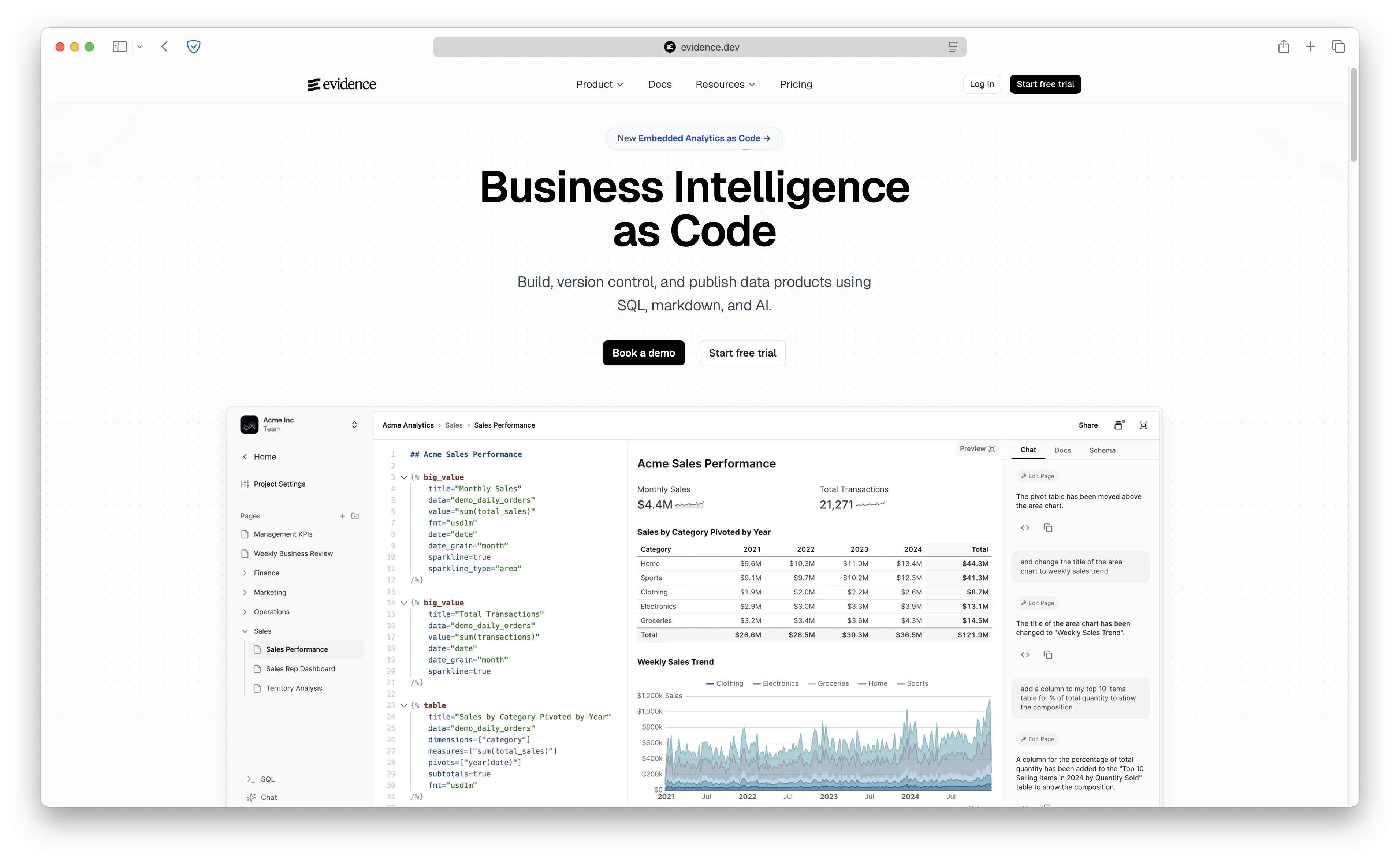
Evidence takes a completely different approach to BI. It's "Business Intelligence as Code" — you write reports using SQL and markdown in a code editor, then deploy them as static sites. No drag-and-drop, no point-and-click dashboard builder. Just code, version control, and publication-quality output.
If your team treats everything as code and wants dashboards that go through PR reviews before going live, Evidence is unlike anything else on this list. The output looks polished — more like a well-designed report than a typical BI dashboard.
- Features: SQL + markdown for building reports, git-based version control, publication-quality visualizations, AI assistant for generating reports from natural language, and connectors for 10+ data warehouses (Snowflake, BigQuery, PostgreSQL, DuckDB, ClickHouse, and more).
- Why you should use it: If your team treats everything as code and wants dashboards in version control with PR reviews, Evidence is unique. The output quality is excellent for external-facing reports and documentation.
- Why not: Requires a developer mindset. Non-technical users can't self-serve — there's no visual query builder or drag-and-drop interface. Smaller community compared to Superset or Metabase.
- Pricing: Free (open-source self-hosted, Apache License 2.0); Evidence Studio (cloud) available.
Comparison
| Tool | Self-Hostable | Ease of Use | Best For | Data Sources | GitHub Stars | Starting Price |
|---|---|---|---|---|---|---|
| Superset | Yes | Medium-Hard | SQL-savvy data teams at scale | 40+ | 70,000+ | Free |
| Metabase | Yes | High | Non-technical teams | 20+ | 40,000+ | Free |
| Redash | Yes | Medium | SQL-first dashboards | 35+ | 28,000+ | Free |
| Lightdash | Yes | Medium | dbt-native teams | Via dbt | 4,000+ | Free |
| Knowage | Yes | Low-Medium | Enterprise BI & OLAP | 20+ | 600+ | Free |
| Evidence | Yes | Low-Medium | Developer-first BI-as-code | 10+ | 5,800+ | Free |
Conclusion
Each alternative serves different needs: Metabase for teams that need simplicity and a visual query builder, Redash for SQL-first teams that want lightweight dashboards, Lightdash for dbt-native metrics workflows, Knowage for full enterprise BI with OLAP and reporting, and Evidence for developer-first BI-as-code.
That said, there's a reason Superset has 70,000+ GitHub stars. If your data team knows SQL and needs advanced analytics at scale with dozens of visualization types, Superset is genuinely hard to beat. The semantic layer, the SQL Lab, and the plugin architecture give you power that simpler tools can't match.
My recommendation? For most teams, start with Metabase. It hits the sweet spot between power and simplicity — your non-technical team members will actually use it. If your team lives in SQL and doesn't need a visual query builder, Redash is the lightest option. If you're a dbt shop, Lightdash is a no-brainer. And if you outgrow Metabase and need serious analytics at scale, circle back to Superset.
Ready to get started? Deploy Metabase on Sliplane in minutes — €9/month with no usage limits and unlimited users. Or check out our Metabase self-hosting guide for step-by-step instructions.
Cheers,
Lukas

