
5 Open-Source Metabase Alternatives in 2026
 Atakan Öztarak
Why Consider Alternatives to Metabase?
Metabase is one of the most popular open-source BI tools out there, and for good reason. It's intuitive, easy to set up, and non-technical team members can build dashboards without writing SQL. But Metabase is not perfect for every analytics team. You might need deeper SQL workflows, dbt-native metrics, BI-as-code, OLAP reporting, or a different self-hosting model.
The good news: there are solid open-source Metabase alternatives you can self-host. You can run any of these yourself or use Sliplane for predictable hosting, full control, no per-user hosting surprises, and data that stays on your servers.
Quick Picks for 2026
- Best Metabase replacement for most teams: Apache Superset if your users are SQL-heavy, or Redash if they only need simple query dashboards.
- Best developer-first option: Evidence, because reports live in Git and can be reviewed like code.
- Best dbt-native option: Lightdash, especially when dbt is already your source of metrics truth.
- Best hosting route: Run the tool on Sliplane when you want open-source BI without maintaining Docker, SSL, domains, and backups yourself.
Quick Comparison: Metabase Alternatives
| Alternative | Best for | Self-hostable? | Main tradeoff |
|---|---|---|---|
| Apache Superset | Advanced SQL analytics | Yes | More complex setup |
| Redash | Lightweight SQL dashboards | Yes | Less polished visual builder |
| Lightdash | dbt-native BI | Yes | Requires dbt |
| Knowage | Enterprise BI and OLAP | Yes | Heavier interface |
| Evidence | BI-as-code reports | Yes | Developer workflow required |
Hosting Matrix
| Route | Best for | Watch out for |
|---|---|---|
| Sliplane | Predictable self-hosting with automatic HTTPS | Less low-level server access than a raw VPS |
| VPS + Docker | Maximum control and lowest base infrastructure cost | You own updates, hardening, backups, and incidents |
| Kubernetes | Platform teams standardizing many internal tools | Overkill for one BI app |
| Vendor cloud | Teams that prefer SaaS support contracts | Per-user pricing and data residency constraints |
How to Choose a Metabase Alternative
The best Metabase alternative depends on what Metabase is missing for your team:
- Choose Apache Superset if your data team is SQL-heavy and needs advanced charts, dashboards, permissions, and a semantic layer.
- Choose Redash if you want simple SQL queries, alerts, and dashboards without a heavy BI platform.
- Choose Lightdash if your company already uses dbt and wants metrics defined in code instead of only inside a BI UI.
- Choose Knowage if you need traditional enterprise BI, OLAP, reporting workflows, and broader governance.
- Choose Evidence if your team wants reports in Git, reviewable pull requests, and BI pages built with SQL and markdown.
- Stick with Metabase if you want the easiest path for non-technical users to explore data and build dashboards.
Let's explore the best open-source Metabase alternatives.
1. Apache Superset: Advanced Analytics for SQL Teams
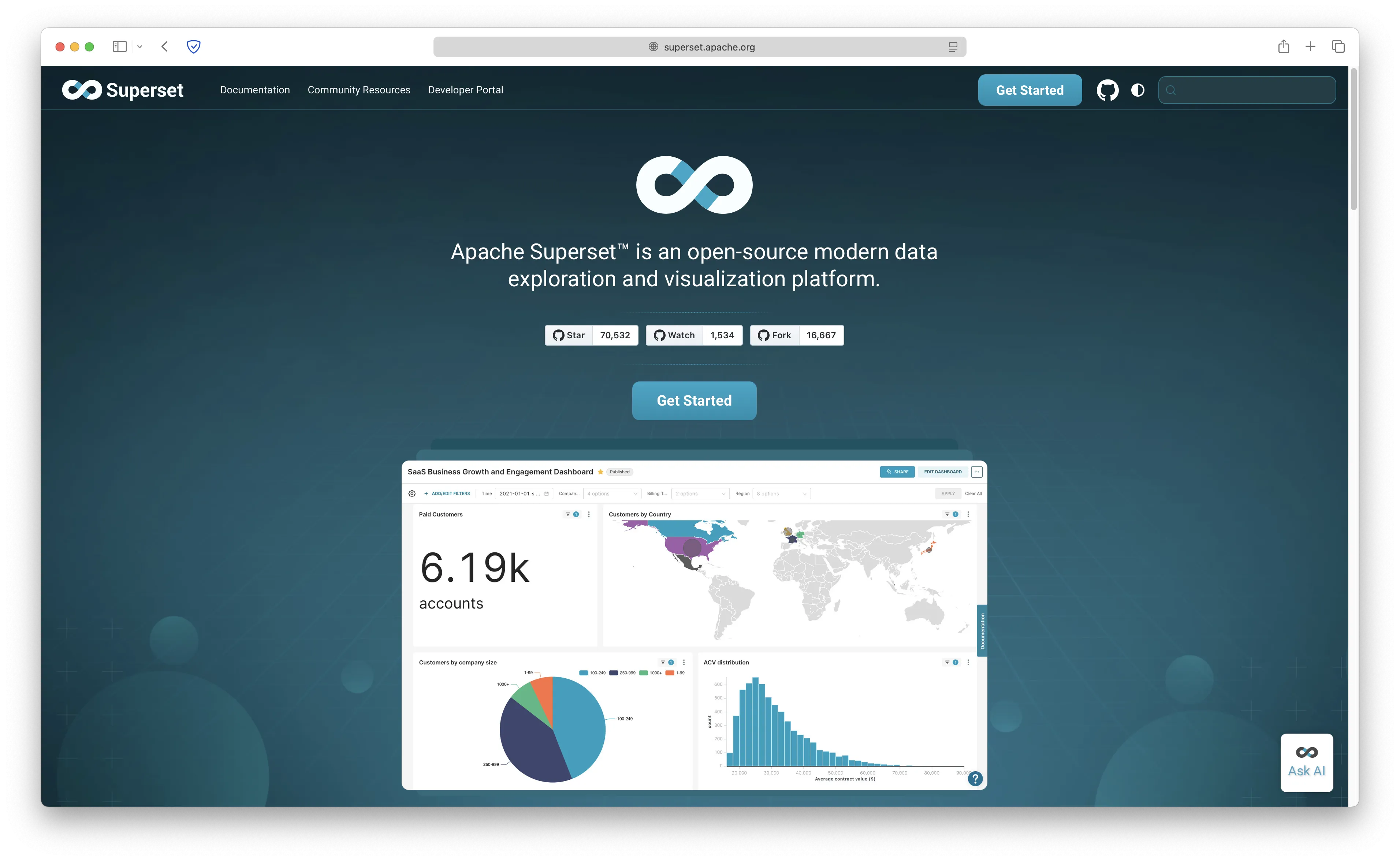
Apache Superset is the heavy hitter of open-source BI. With over 70,000 GitHub stars and backed by the Apache Software Foundation, it's a battle-tested platform used by companies like Airbnb, Dropbox, and Lyft.
- Features: 40+ visualization types, powerful SQL editor, semantic layer for custom dimensions and metrics, row-level security, cross-filters, drill-to-detail, Jinja templating, and data caching.
- Why you should use it: If your data team knows SQL and needs advanced analytics at scale, Superset delivers. The visualization library is massive, and the plugin architecture lets you extend it however you want.
- Why not: Heavier resource requirements than Metabase, steeper learning curve, and the setup is more involved. Non-technical users will struggle without guidance.
- Pricing: Free (open-source, Apache License 2.0).
2. Redash: Lightweight SQL-First Dashboards
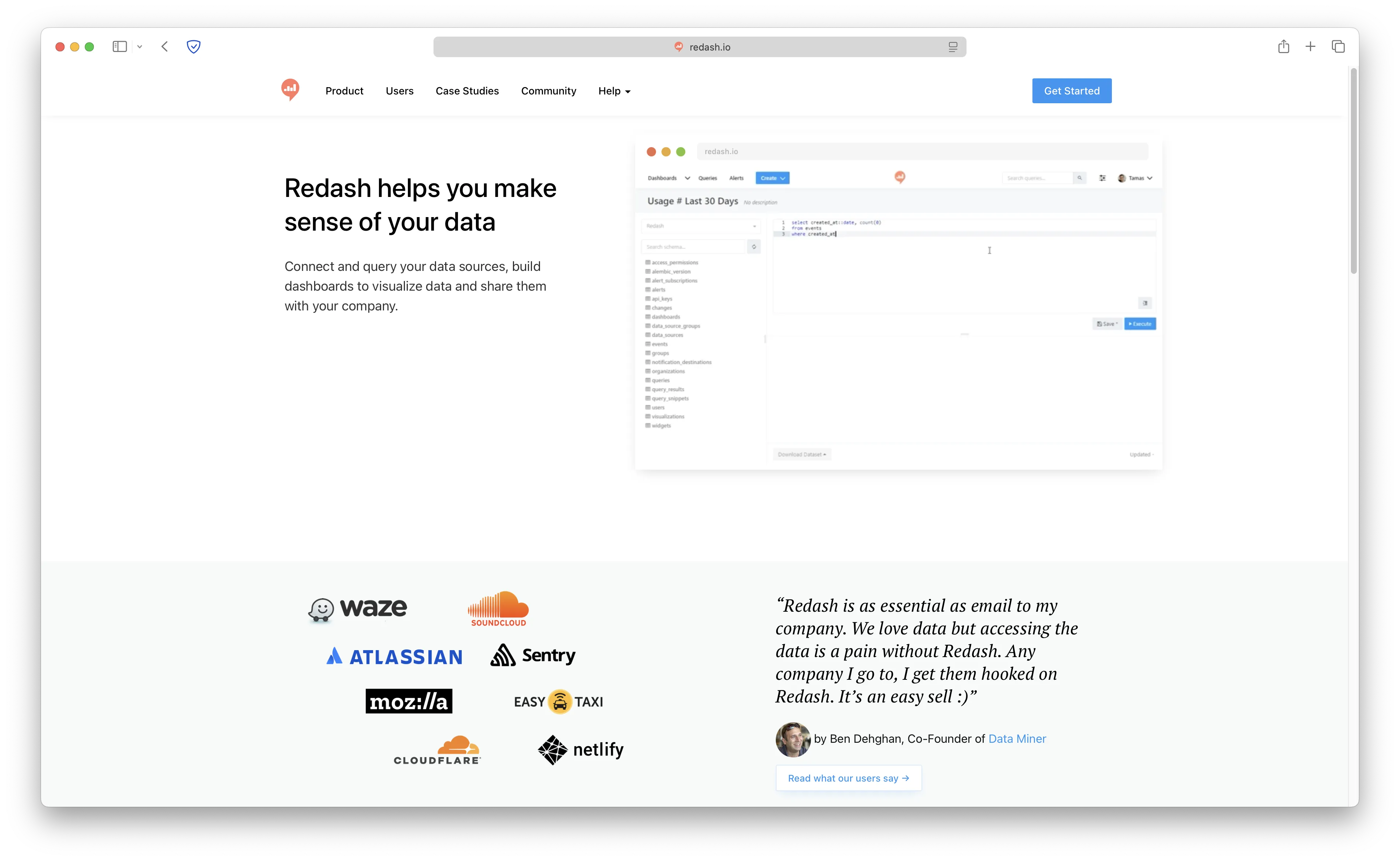
Redash is a lightweight, SQL-first BI tool with over 28,000 GitHub stars. It connects to 35+ data sources and focuses on making it easy to query data and build dashboards quickly.
- Features: SQL query editor with autocomplete, parameterized queries, 35+ data source connectors (PostgreSQL, MySQL, BigQuery, Redshift, MongoDB, and more), alerts, scheduling, REST API, and dashboard sharing.
- Why you should use it: If your team thinks in SQL and just wants to query data and visualize results fast, Redash gets out of your way. The parameterized queries feature is great for building reusable reports.
- Why not: Fewer visualization types than Metabase or Superset, and the UI feels less polished. The visual query builder is limited compared to Metabase's "Question" mode.
- Pricing: Free (open-source, BSD 2-Clause).
3. Lightdash: dbt-Native BI as Code
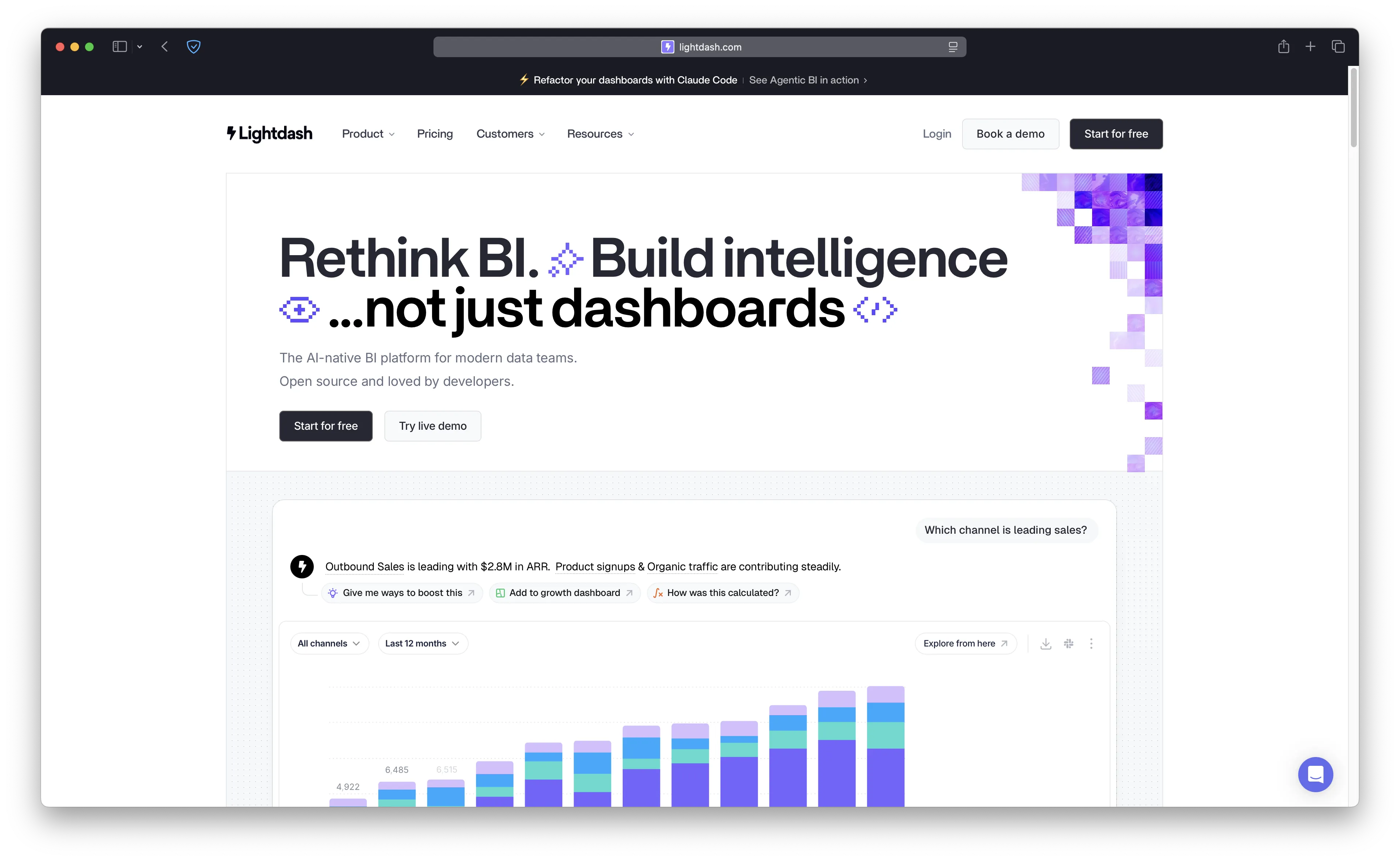
Lightdash is an open-source BI tool built specifically for teams using dbt. Instead of defining metrics in the BI layer, you define them in YAML alongside your dbt models, so your metrics live in version control right next to your transformations.
- Features: Native dbt integration, metrics defined in YAML, automatic dimension creation from dbt models, AI agents for natural language queries, lineage visualization, scheduled reports, and charts-as-code.
- Why you should use it: If your team already uses dbt, Lightdash is a natural fit. Metrics-as-code means your definitions are versioned, reviewed in PRs, and always in sync with your data models.
- Why not: Requires dbt, which means it's not useful as a standalone tool. The Cloud Pro plan is steep at €2,400/month. Less mature than Metabase or Superset for general-purpose BI.
- Pricing: Free (open-source self-hosted, Apache License 2.0); Cloud Pro at €2,400/month.
4. Knowage: Enterprise BI and OLAP
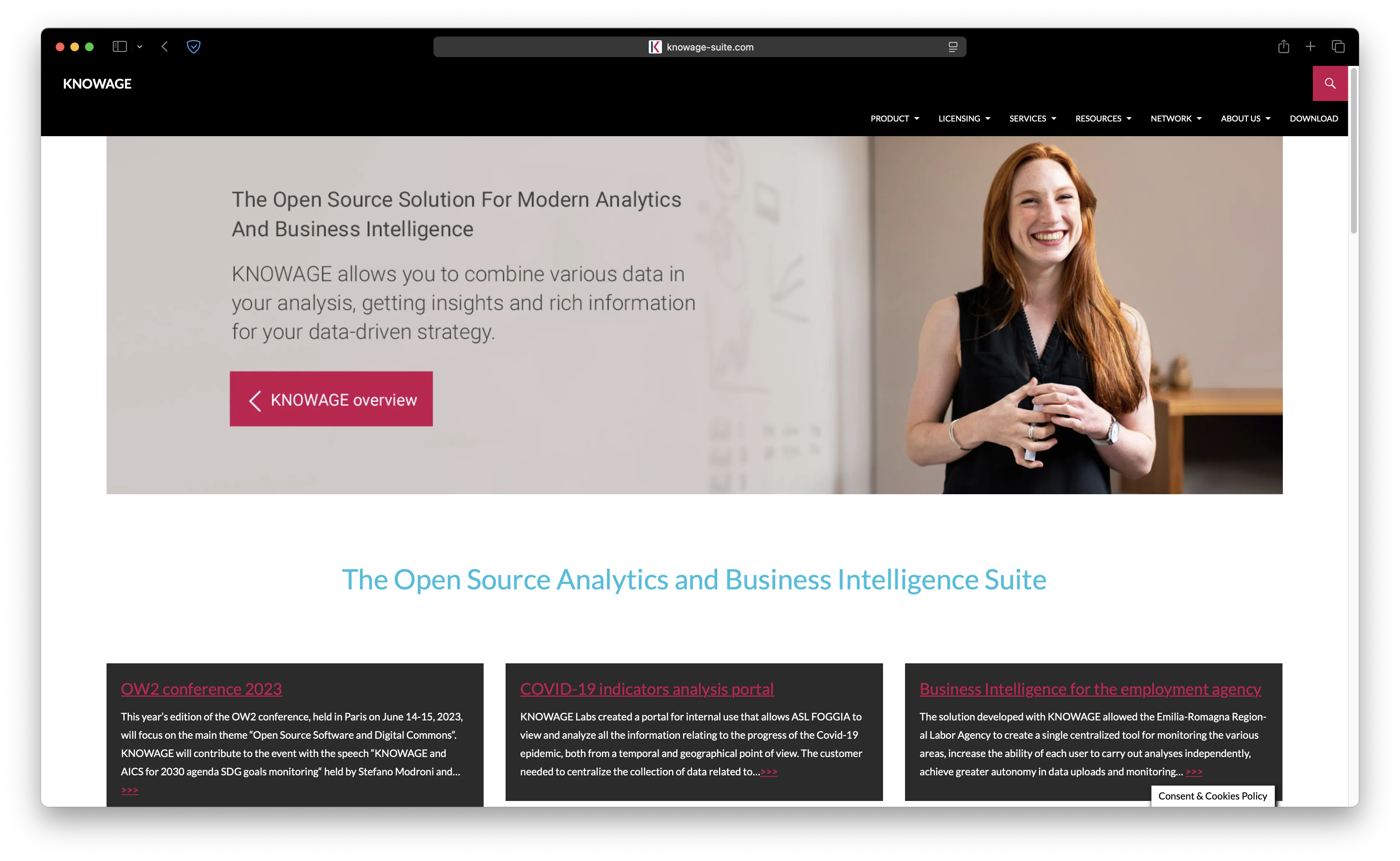
Knowage is a full-featured open-source business intelligence suite built for enterprise use. It covers everything from traditional reporting and OLAP analysis to interactive dashboards and KPI monitoring, all in one platform.
- Features: OLAP analysis, ad-hoc reporting, interactive dashboards, KPI monitoring, self-service analytics, data visualization, location intelligence, embedded R/Python for advanced analytics, and support for both traditional databases and big data sources.
- Why you should use it: If you need a complete enterprise BI suite that covers reporting, OLAP, and dashboards in one package, Knowage delivers. It's especially strong for organizations that need structured reporting workflows alongside self-service exploration.
- Why not: The UI feels more enterprise and less modern compared to Metabase or Superset. Setup is more complex, and the learning curve is steeper. The community is smaller, so finding help online can be harder.
- Pricing: Free (open-source, AGPL-3.0); enterprise support available.
5. Evidence: Developer-First BI Reports
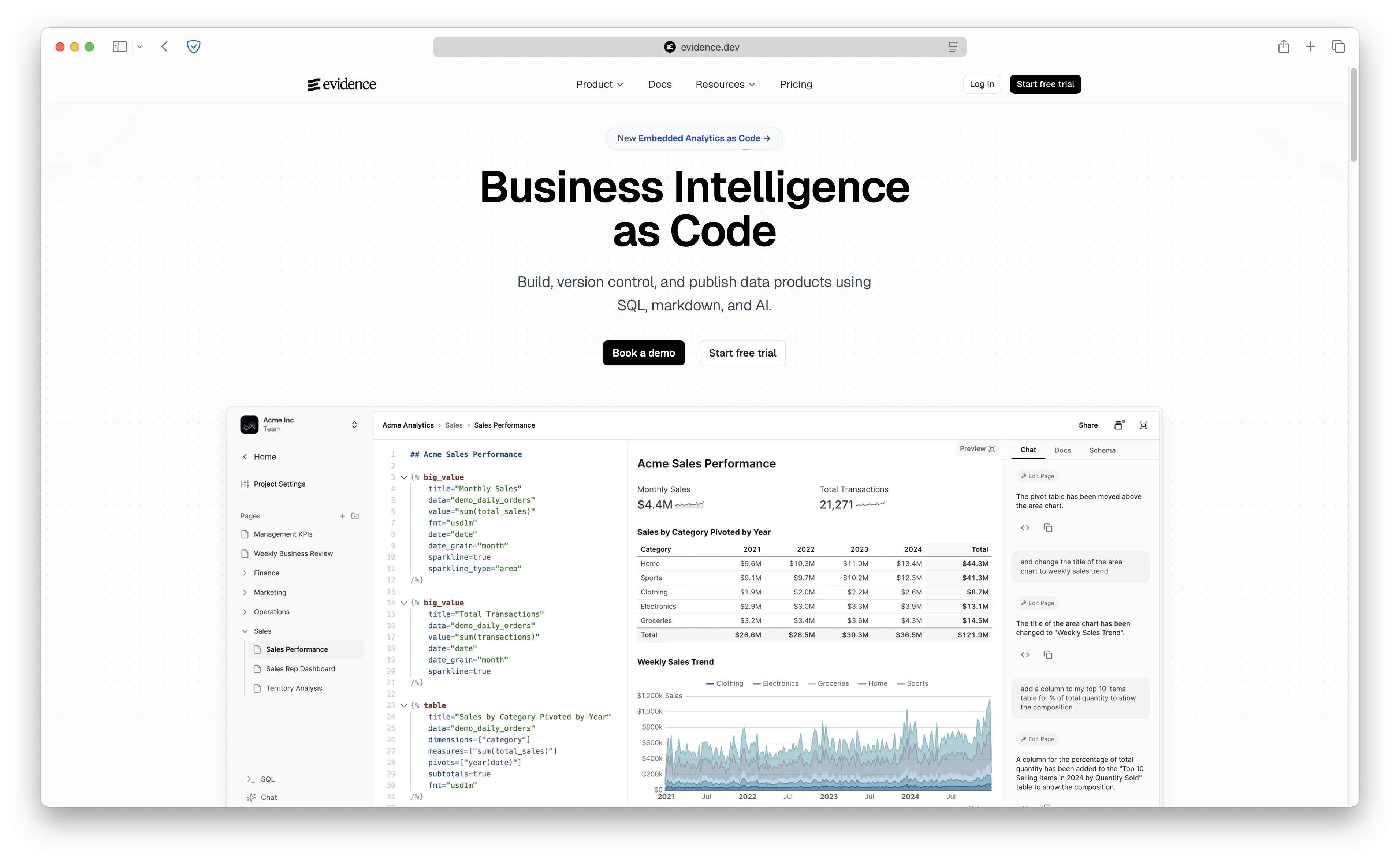
Evidence takes a completely different approach. It's "Business Intelligence as Code", meaning you build reports and dashboards using SQL and markdown in a code editor, then deploy them as static sites or through their cloud platform.
- Features: SQL + markdown for building dashboards, git-based version control, publication-quality visualizations, AI assistant for generating reports from natural language, connects to 10+ data warehouses (Snowflake, BigQuery, PostgreSQL, DuckDB, ClickHouse, and more).
- Why you should use it: If your team treats everything as code and wants dashboards in version control with PR reviews, Evidence is unique. The output looks polished, like a well-designed report rather than a typical BI dashboard.
- Why not: Requires a developer mindset. Non-technical users can't self-serve like they can with Metabase's drag-and-drop interface. Smaller community compared to the other tools on this list.
- Pricing: Free (open-source self-hosted, Apache License 2.0); Evidence Studio (cloud) available.
Comparison
| Tool | Self-Hostable | Ease of Use | Best For | Data Sources | GitHub Stars | Starting Price |
|---|---|---|---|---|---|---|
| Metabase | Yes | High | Non-technical teams | 20+ | 40,000+ | Free |
| Superset | Yes | Medium | SQL-savvy data teams | 40+ | 70,000+ | Free |
| Redash | Yes | Medium | SQL-first dashboards | 35+ | 28,000+ | Free |
| Lightdash | Yes | Medium | dbt-native teams | Via dbt | 4,000+ | Free |
| Knowage | Yes | Low-Medium | Enterprise BI & OLAP | 20+ | 600+ | Free |
| Evidence | Yes | Low-Medium | Developer-first BI-as-code | 10+ | 5,800+ | Free |
Conclusion
Each alternative serves different needs: Superset for advanced analytics at scale, Redash for lightweight SQL-first dashboards, Lightdash for dbt-native teams, Knowage for enterprise BI with OLAP and reporting, and Evidence for developer-first BI-as-code.
That said, there's a reason Metabase is still one of the default open-source BI recommendations. It's one of the few BI tools where you can hand it to a non-technical team member and they'll build their first dashboard within minutes. The visual query builder is genuinely intuitive, the embedded analytics are production-ready, and the community behind it is massive and active. For most teams, Metabase does everything you need out of the box without requiring a single line of SQL.
My recommendation? For most teams, start with Metabase. It hits the sweet spot between power and simplicity, and you'll be up and running faster than with any other tool on this list.
FAQ
What is the best open-source Metabase alternative?
Apache Superset is the strongest general-purpose Metabase alternative for SQL-savvy data teams. Lightdash is the better fit for dbt teams, while Evidence is best if you want BI-as-code.
Is Apache Superset better than Metabase?
Superset is better for advanced SQL analytics, custom visualizations, and data teams that can handle more setup. Metabase is better for non-technical users, quick dashboards, and teams that want a simpler BI experience.
Can I self-host Metabase alternatives?
Yes. Apache Superset, Redash, Lightdash, Knowage, and Evidence can all be self-hosted. You can also self-host Metabase itself if your main goal is control over data, hosting, and costs.
Which Metabase alternative is best for dbt?
Lightdash is the most natural Metabase alternative for dbt teams because metrics and dimensions live alongside dbt models in version-controlled YAML.
Why host Metabase on Sliplane?
Sliplane lets you run Metabase with HTTPS, persistent storage, logs, and predictable server pricing without maintaining the server yourself. It is a good middle ground between raw VPS self-hosting and a fully managed SaaS BI plan.
Ready to get started with Metabase? We have a couple of guides for you:
- What is Metabase and how to self-host it the easy way (deploy in under 2 minutes with Sliplane)
- Self-hosting Metabase on Ubuntu 24.04 with PostgreSQL (full step-by-step server setup)
Or just head straight to Sliplane and deploy Metabase with no usage limits and unlimited users.
If you eventually outgrow Metabase or need something more specialized (like dbt-native workflows or heavy OLAP analysis), the alternatives above have you covered. But honestly, most teams never need to look beyond Metabase.
Cheers,
Atakan

