

Self-hosting Nextcloud the easy way
 Jonas Scholz
Nextcloud is the leading open-source cloud storage platform — a self-hosted alternative to Dropbox and Google Drive that puts you in complete control of your data. While Nextcloud Enterprise starts at €3,400/year for 100 users and managed hosting providers charge €10-20/month per user, you can self-host Nextcloud for your team or personal use on Sliplane for just €9/month flat — unlimited users, unlimited storage (limited by disk space)!
If you want to explore alternatives, check out our guide on 5 awesome Nextcloud alternatives or our detailed Ubuntu self-hosting tutorial if you prefer managing your own server.
Setup
- Signup at sliplane.io, the signup is free and you can use your Github Account to login.
- Create a server: if you just signed up you should already have a trial server that you can use for 48 hours for free. If not, go to > Servers and then click > Create Server
- Deploy PostgreSQL: go to your project and click > Deploy Service, then select the PostgreSQL preset. Note down the password that gets generated — you'll need it for Nextcloud.
- Deploy Nextcloud: click > Deploy Service again and select > From Registry
- Image:
nextcloud:30.0.6-apache - Add a volume mounted at
/var/www/html - Add these environment variables:
POSTGRES_HOST=postgres-xxxx.internal(your Postgres service name +.internal)POSTGRES_DB=mydbPOSTGRES_USER=postgresPOSTGRES_PASSWORD= (the password from step 3)
- Make the service public with HTTP protocol
- Image:
- Wait for deployment, then open the domain provided by Sliplane (found in service settings, e.g.,
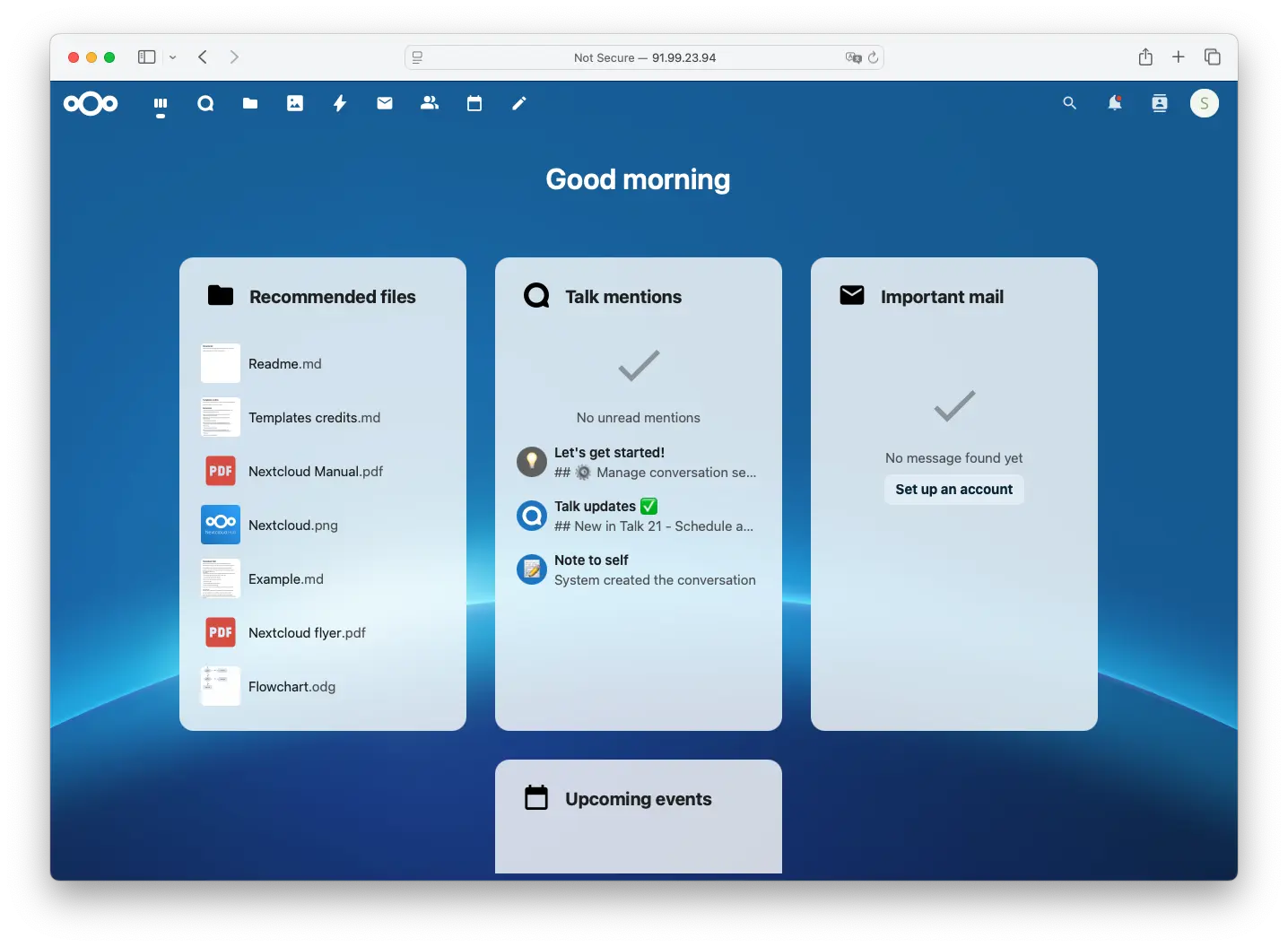
nextcloud-xxxx.sliplane.app) - Create your admin account in the Nextcloud setup wizard and you're done!
Comparison to other Hosting platforms
Of course you can also self-host Nextcloud with other cloud providers. Here is a pricing comparison for the most common ones:
| Provider | vCPU Cores | RAM | Disk | Estimated Monthly Cost | Notes |
|---|---|---|---|---|---|
| Render.com | 1 | 2 GB | 40 GB | ~$35–$45 | $35 minimum |
| Fly.io | 2 | 2 GB | 40 GB | ~$20–$25 | Usage-based |
| Railway | 2 | 2 GB | 40 GB | ~$15–$30 | $66 max* |
| sliplane.io | 2 | 2 GB | 40 GB | ~$9.45 | ~$9.5/month flat |
- Note: Railway charges for actually used memory and cpu time. $66 is the max price, actual price might vary.
FAQ
You got questions? We got answers!
What can I do with self-hosted Nextcloud?
Self-hosted Nextcloud gives you access to all community edition features:
- File sync and share across all your devices
- Collaborative document editing with Nextcloud Office
- Calendar, contacts, and email integration
- Video calls and team chat with Nextcloud Talk
- Hundreds of apps from the Nextcloud App Store
- Full control over your data — it never leaves your server
Is self-hosted Nextcloud the same as Nextcloud Enterprise?
Some enterprise features like Outlook integration, full-text search, and priority support require a Nextcloud Enterprise subscription. For reference, see the official feature comparison. However, for most personal and small team use cases, the community edition has everything you need.
Are there any usage based costs with sliplane?
Compute is always a flat, fixed price. The first 2 Terrabytes of bandwidth are free, afterwards you pay 2 euros/TB per month (14.8 in singapore).
How do I update the Nextcloud version?
If you used a specific version tag (recommended), you can update by changing the image tag in the Sliplane settings (e.g., from nextcloud:30.0.6-apache to a newer version) and redeploying the service. Always check the Nextcloud upgrade documentation before major version upgrades.
How do I backup my Nextcloud data?
Your data is stored in the Docker volume you created. Sliplane makes it easy to backup volumes — check out our guide on 4 easy ways to backup Docker volumes for detailed instructions.
Can I use my own domain?
Yes! You can add a custom domain to your Nextcloud service in the Sliplane dashboard. Sliplane automatically handles SSL certificates for you.

