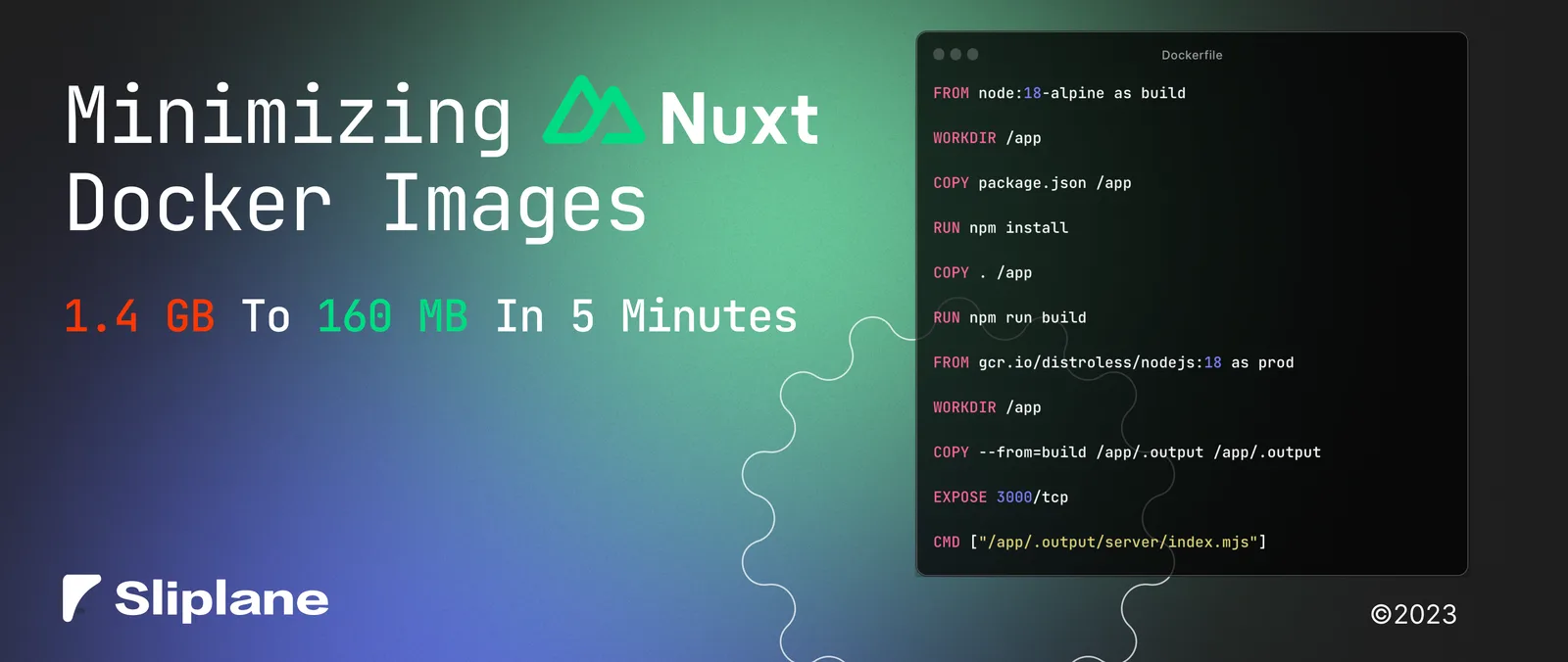
Minimizing Nuxt 3 Docker Images
 Jonas Scholz
My first Nuxt 3 Docker image in this experiment was about 1.4 GB. The final one was 164 MB. The biggest saving came from leaving build tools and source files out of the runtime image.
Those measurements came from the original 2023 project. They are not a promise for a different app or base image. The reduction was about 88%, not 850% as I wrote in the original post.
Start with the basic image
A simple Dockerfile installs dependencies, builds Nuxt, and starts the Nitro server:
FROM node:24
WORKDIR /app
COPY package.json package-lock.json ./
RUN npm ci
COPY . .
RUN npm run build
CMD ["node", ".output/server/index.mjs"]
This works for a standard Nuxt 3 app with npm and a committed lockfile. But the final image still contains the source, development dependencies, and everything needed to build the app.
1. Use a smaller base image
Changing the base to node:24-alpine can save space compared with the full Node image. Alpine uses musl rather than glibc, so test dependencies that include native binaries. A smaller download does not help if the application cannot start.
Use the same base family for build and runtime. If your dependencies require Debian, use a Debian slim image for both stages instead.
2. Exclude local files
Add this .dockerignore:
node_modules
.output
.nuxt
.git
.env
.env.*
The build should install its own dependencies and produce its own .output. Copying local output into the context wastes time and can include artifacts from a different operating system. Add other directories you do not need, but keep everything required to build the app.
3. Copy only the server output
Nuxt's Node server build puts the runtime files in .output. This Dockerfile builds in one stage and copies that directory into a fresh image:
FROM node:24-alpine AS build
WORKDIR /app
COPY package.json package-lock.json ./
RUN npm ci
COPY . .
RUN npm run build

FROM node:24-alpine AS runtime
WORKDIR /app
ENV NODE_ENV=production
ENV NITRO_HOST=0.0.0.0
ENV NITRO_PORT=3000
COPY --from=build --chown=node:node /app/.output ./.output
USER node
EXPOSE 3000
CMD ["node", ".output/server/index.mjs"]
The final image has Node and .output, rather than the whole repository. USER node starts the server without root privileges. NITRO_HOST and NITRO_PORT set the network interface and port explicitly.
For the Node server preset, .output/server/index.mjs is the entry point. If your project targets another deployment preset, change that configuration before using this Dockerfile. See Nuxt's deployment documentation.
Build it, run it, and compare the size:
docker build -t nuxt-app .
docker run --rm --name nuxt-app -p 3000:3000 nuxt-app
docker image ls nuxt-app
Check a server-rendered route and an image or stylesheet at http://localhost:3000.
4. Consider distroless only after the larger savings
In the original experiment, switching the runtime to a distroless image saved another 13 MB. That is much less than removing unnecessary dependencies and source files.
Distroless images omit a shell and package manager. You start the Node entry point through the image's configured entrypoint, and you cannot assume tools such as curl are available for debugging. Check the supported Node tags in the distroless repository.
Do not copy native modules from an Alpine build into a Debian-based distroless runtime without checking compatibility. If you choose a Debian-based runtime, build those modules against a compatible Debian environment too. The multi-stage Alpine image above is a simpler place to stop.
5. Move static assets to a CDN when it makes sense
If static assets account for a large part of the image, you can serve them from a CDN. Configure Nuxt's app.cdnURL, upload the generated public assets, and verify their URLs before removing them from the container.
Only after that should you replace the .output copy with a server-only copy:
COPY --from=build --chown=node:node /app/.output/server ./.output/server
This is optional. It adds a separate upload and cache-management step to each release. Keep the full .output directory if you want one deployable image that serves its own assets.
The original result
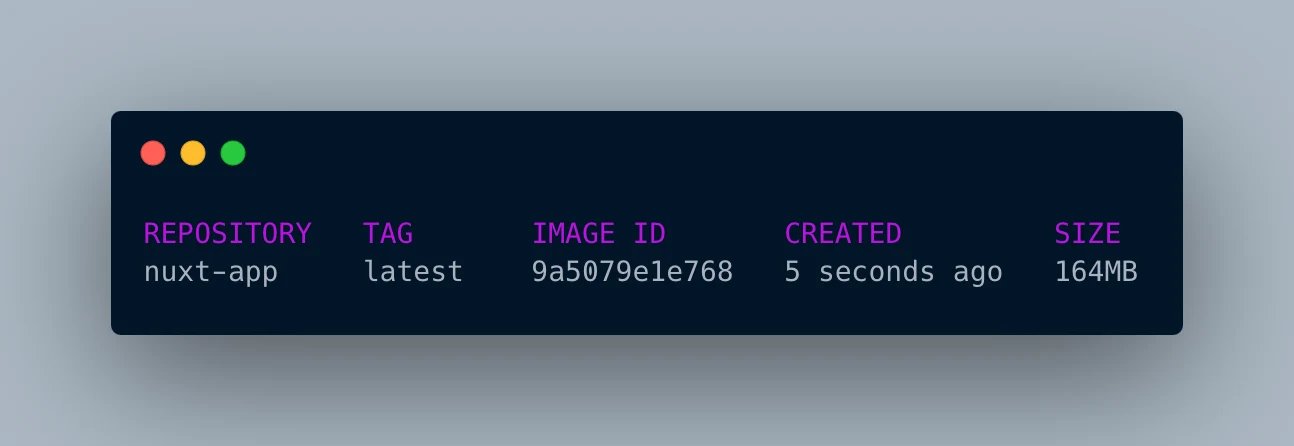
The original example repository records that experiment. Measure your own build instead of treating 164 MB as a target every app must reach. Once the source and build dependencies are gone, further savings may not justify a more complex release process.
You can deploy the resulting Dockerfile on Sliplane and use port 3000 for the service.