

5 Awesome Ways to Deploy Flowise
 Yulei Chen
Flowise is no longer maintained and should no longer be used. Read the official announcement and choose a Flowise alternative.
Flowise is a powerful open-source platform for building AI agents visually. Choosing the right deployment method depends on your needs for complexity, cost, and control. Here are five ways to deploy Flowise, from one-click solutions to enterprise setups.
Quick Comparison
| Method | Complexity | Base Price (2026) | Customizability | Best For |
|---|---|---|---|---|
| Sliplane | ⭐ Very Easy | €9 per month per server | ⭐⭐⭐ Good | Quick deployment, production-ready |
| Hetzner VPS | ⭐⭐⭐ Moderate | €3.49 per month for 2 vCPU | ⭐⭐⭐⭐⭐ Full | Cost-conscious, full control |
| Local Docker | ⭐⭐ Easy | Free | ⭐⭐⭐⭐ High | Development, testing |
| Kubernetes | ⭐⭐⭐⭐⭐ Very Complex | Variable | ⭐⭐⭐⭐⭐ Full | Enterprise, large scale |
| Flowise Cloud | ⭐ Very Easy | Free for 2 flows, then $35 per month | ⭐⭐ Limited | Zero maintenance |
1. Sliplane: The Easy Production Way
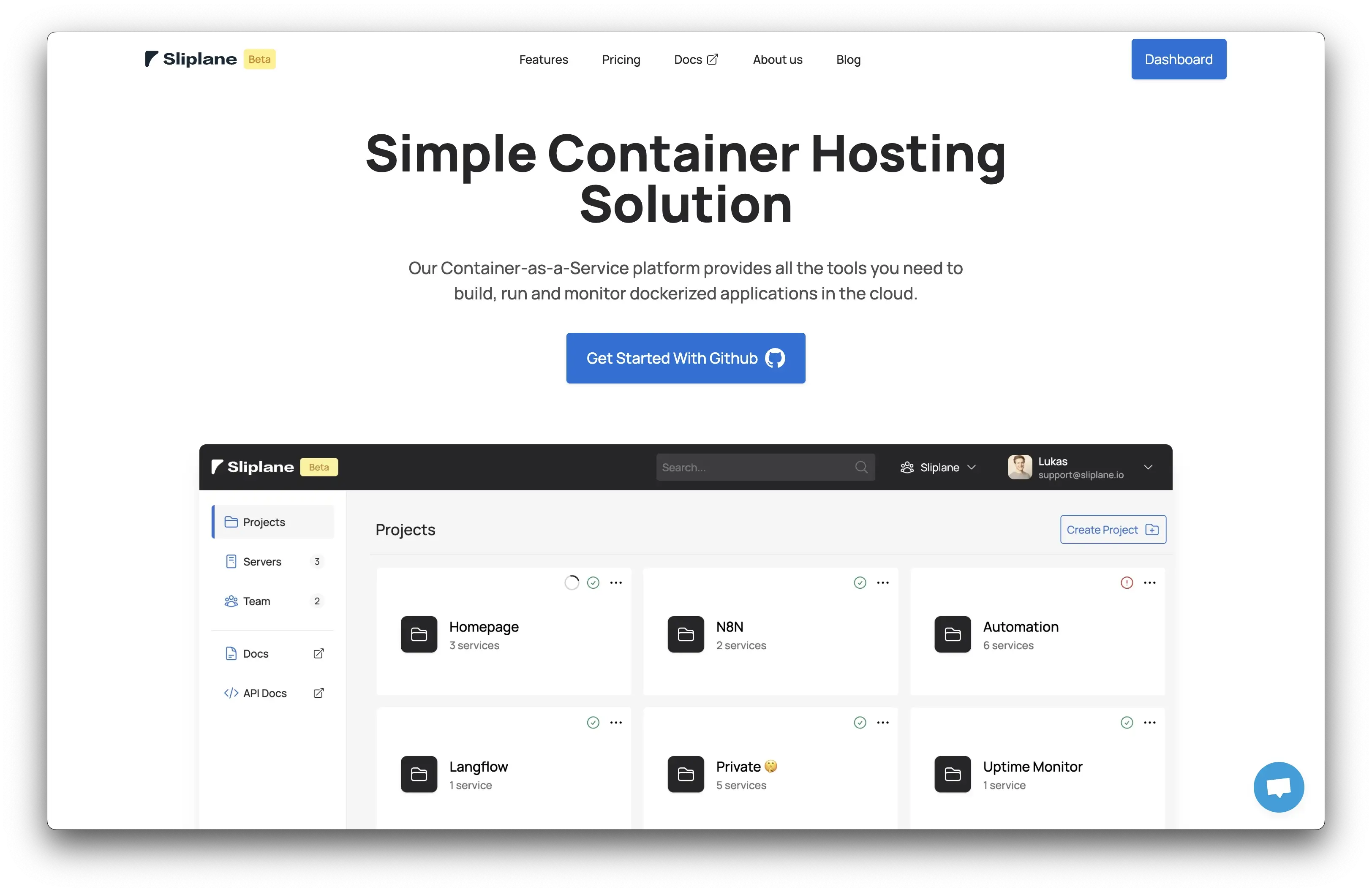
Sliplane is a Container-as-a-Service platform that makes deploying Flowise simple. One-click deployment, automatic SSL, and zero server management.
Complexity: ⭐ Very Easy - Deploy in seconds via container.new/flowise. No Docker Compose or server config needed. For detailed instructions, see our guide to deploying Flowise with Sliplane.
Base price: €9/month - Pay per server, deploy unlimited containers. Run Flowise with databases, APIs, and workers on the same server.
Customizability: ⭐⭐⭐ Good - Full control over environment variables, container config, resource limits, custom domains, and volume mounts.
Best for: Production-ready deployment without DevOps overhead, running multiple services cost-effectively.
2. Hetzner VPS: The DIY Approach
Deploying Flowise on a Hetzner VPS gives you complete control at a low cost. You manage everything yourself, from server setup to security updates.
Complexity: ⭐⭐⭐ Moderate - Requires provisioning a server, installing Docker, setting up reverse proxy for SSL, and configuring backups. See our detailed guide for step-by-step instructions.
Base price: Hetzner offers excellent VPS prices in Europe, starting from €3.49/month for 2 vCPU.
Customizability: ⭐⭐⭐⭐⭐ Full - Complete control over OS, software, networking, firewall, and monitoring. Run multiple services on one server.
Best for: Cost-conscious developers who want full control and enjoy managing infrastructure.
3. Local Docker: Development & Testing
Running Flowise locally with Docker is perfect for development, testing, and learning. It's free and requires minimal setup.
Complexity: ⭐⭐ Easy - Install Docker Desktop, create a Docker Compose file, and run the container. See our guide for detailed instructions.
Base price: Free - Uses your own hardware, no hosting fees.
Customizability: ⭐⭐⭐⭐ High - Modify Docker Compose, mount volumes, set environment variables, test different versions. Limited by local machine resources.
Best for: Development, testing, learning, and experimentation without public access.
4. Kubernetes: Enterprise Scale
Deploying Flowise on Kubernetes offers unmatched scalability for large-scale deployments, but it's the most complex option. As we've written before, Kubernetes isn't for everyone.
Complexity: ⭐⭐⭐⭐⭐ Very Complex - Requires cluster setup, Pod/Service/Ingress configuration, persistent volumes, monitoring, and security policies. You'll also need Ingress controllers, SSL certificates, and more. See Docker vs Kubernetes for when it makes sense.
Base price: Variable - Depends on cloud provider (AWS EKS, Google GKE, Azure AKS), cluster size, load balancers, and storage.
Customizability: ⭐⭐⭐⭐⭐ Full - Auto-scaling, multi-region deployments, advanced networking, fine-grained resource management.
Best for: Enterprise deployments with dedicated DevOps teams, running hundreds of services, or specific scaling requirements.
Reality check: Most teams don't need Kubernetes. It was built for Google-scale problems. If you're running a few services, simpler options like Sliplane or a VPS are usually better choices.
5. Flowise Cloud: Zero Maintenance
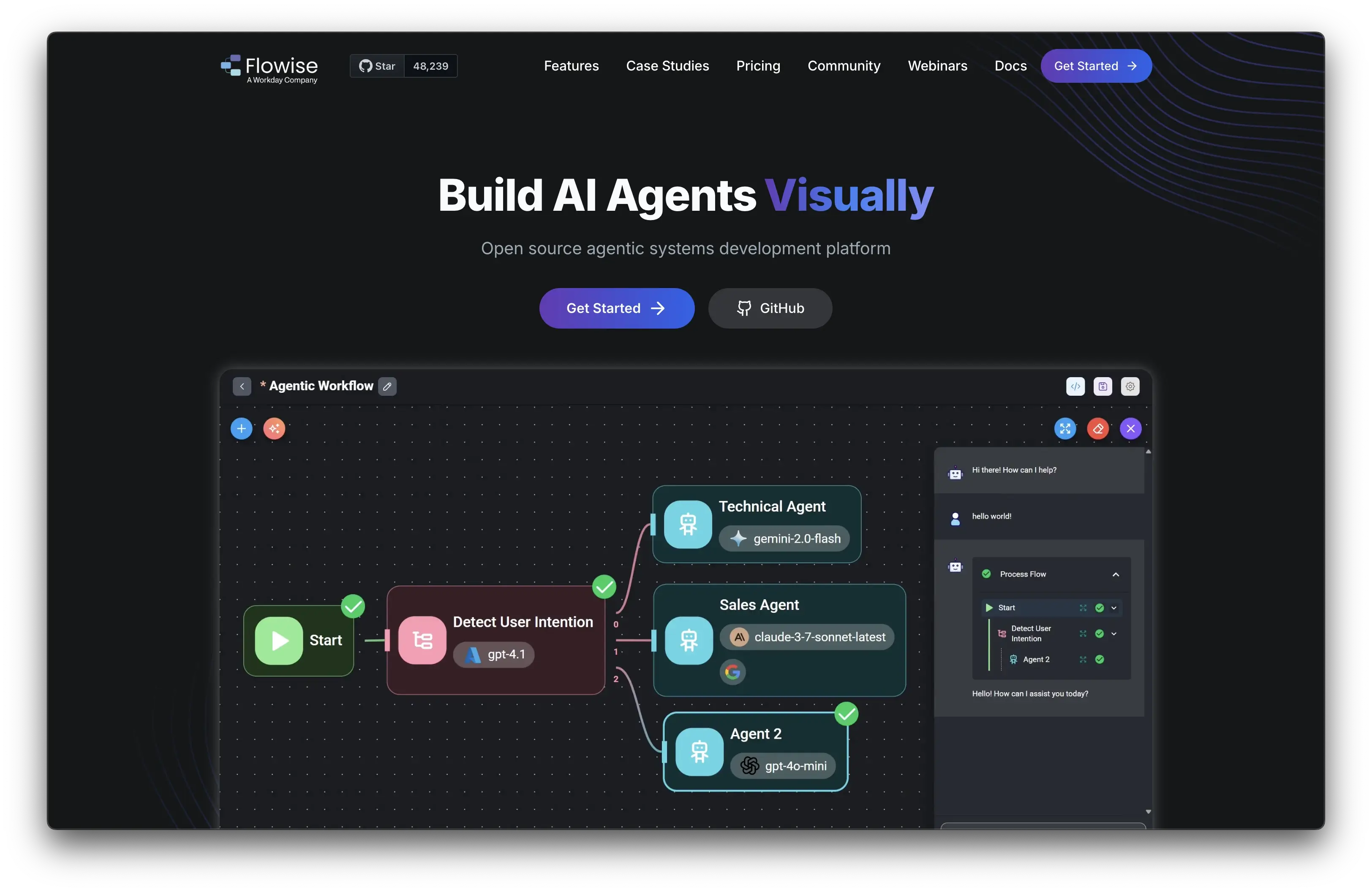
Flowise Cloud is the official managed service where everything is handled for you. It's the easiest option but comes with higher costs and less customization.
Complexity: ⭐ Very Easy - Sign up and start building. No setup, configuration, or maintenance required.
Base price: Free tier includes 2 flows. Paid plans start from $35/month. Check Flowise pricing for current rates.
Customizability: ⭐⭐ Limited - Standard configurations only, no server-level access, limited environment variable control. Can't modify infrastructure or install custom software.
Best for: Zero maintenance, official support, guaranteed uptime and SLAs, managed service preference.
Detailed Comparison
| Feature | Sliplane | Hetzner VPS | Local Docker | Kubernetes | Flowise Cloud |
|---|---|---|---|---|---|
| Setup Time | seconds | hours | minutes | days/weeks | seconds |
| Base Price (2026) | €9/month | €3.49/month for 2 vCPU | Free | Variable | Free for 2 flows, then $35+/month |
| Complexity | Very Easy | Moderate | Easy | Very Complex | Very Easy |
| Maintenance | None | High | Low | Very High | None |
| Customizability | Good | Full | High | Full | Limited |
| Scalability | Server limits | Manual | Local only | Auto-scaling | Managed |
| SSL/HTTPS | Automatic | Manual setup | N/A | Manual setup | Automatic |
| Backups | Automatic | Manual setup | Manual | Manual setup | Managed |
| Public Access | Yes | Yes (with setup) | No | Yes | Yes |
| Best For | Production, quick deploy | Cost-conscious, full control | Development, testing | Enterprise scale | Zero maintenance |
| Technical Skills | Beginner | Intermediate | Beginner | Expert | None |
Which Option Should You Choose?
Sliplane - Best balance of simplicity, cost, and production-readiness. Perfect for startups and small teams.
Hetzner VPS - Lowest cost with full control. Great for cost-conscious developers who enjoy managing infrastructure.
Local Docker - Free option for development, testing, and learning. No public access needed.
Kubernetes - Enterprise-scale infrastructure. Only consider if you have a DevOps team and simpler options can't meet your needs.
Flowise Cloud - Zero maintenance with official support. Premium pricing for managed service.
For most users, Sliplane offers the sweet spot: production-ready deployment in minutes with predictable pricing and enough flexibility.
FAQ
Q: Can I migrate between deployment methods? A: Yes! Flowise data is stored in a database, so you can export and import workflows between different methods.
Q: Which option is most cost-effective for multiple services? A: Sliplane's server-based pricing (€9/month for unlimited containers) is usually the most cost-effective managed option. A Hetzner VPS (starting from €3.49/month) can be cheaper if you manage it yourself.
Q: Do I need Kubernetes for production? A: No. Most production deployments work fine with Sliplane or a VPS. Kubernetes is only necessary for auto-scaling across multiple regions or running hundreds of services.
Q: Can I start locally and deploy to production later? A: Absolutely! Start with local Docker for development, then deploy to Sliplane or a VPS when ready. If you hit real scale, you can use Kubernetes. Docker Compose configuration is similar across environments.
Q: What about security and backups? A: Sliplane handles SSL, security updates, and backups automatically. With a VPS, you set these up yourself. Flowise Cloud includes managed backups and security.

