
5 Awesome Render Alternatives
 Lukas Mauser
Render nailed the developer experience. Connect a GitHub repo, click deploy, and you're live. It's genuinely one of the easiest platforms to get started with. The problem? As soon as you move beyond the free tier, costs start climbing fast. $7 per web service, $7 per database, $7 per background worker, it adds up before you know it. If you're feeling the pricing squeeze or want to explore different trade-offs, here are five alternatives:
| Platform | Pricing Model | Best For | Setup Complexity |
|---|---|---|---|
| Sliplane | Pay-per-server, all services included | Multiple services, predictable costs | Low |
| Fly.io | Usage-based, competitive | Global edge deployment, low latency | Medium |
| Coolify | Self-hosted, free software | Full control, maximum cost savings | Medium |
| Digital Ocean App Platform | Per app, broader ecosystem | Small teams, complementary services | Low |
| AWS App Runner | Usage-based, serverless | AWS ecosystem, enterprise scale | High |
1. Sliplane
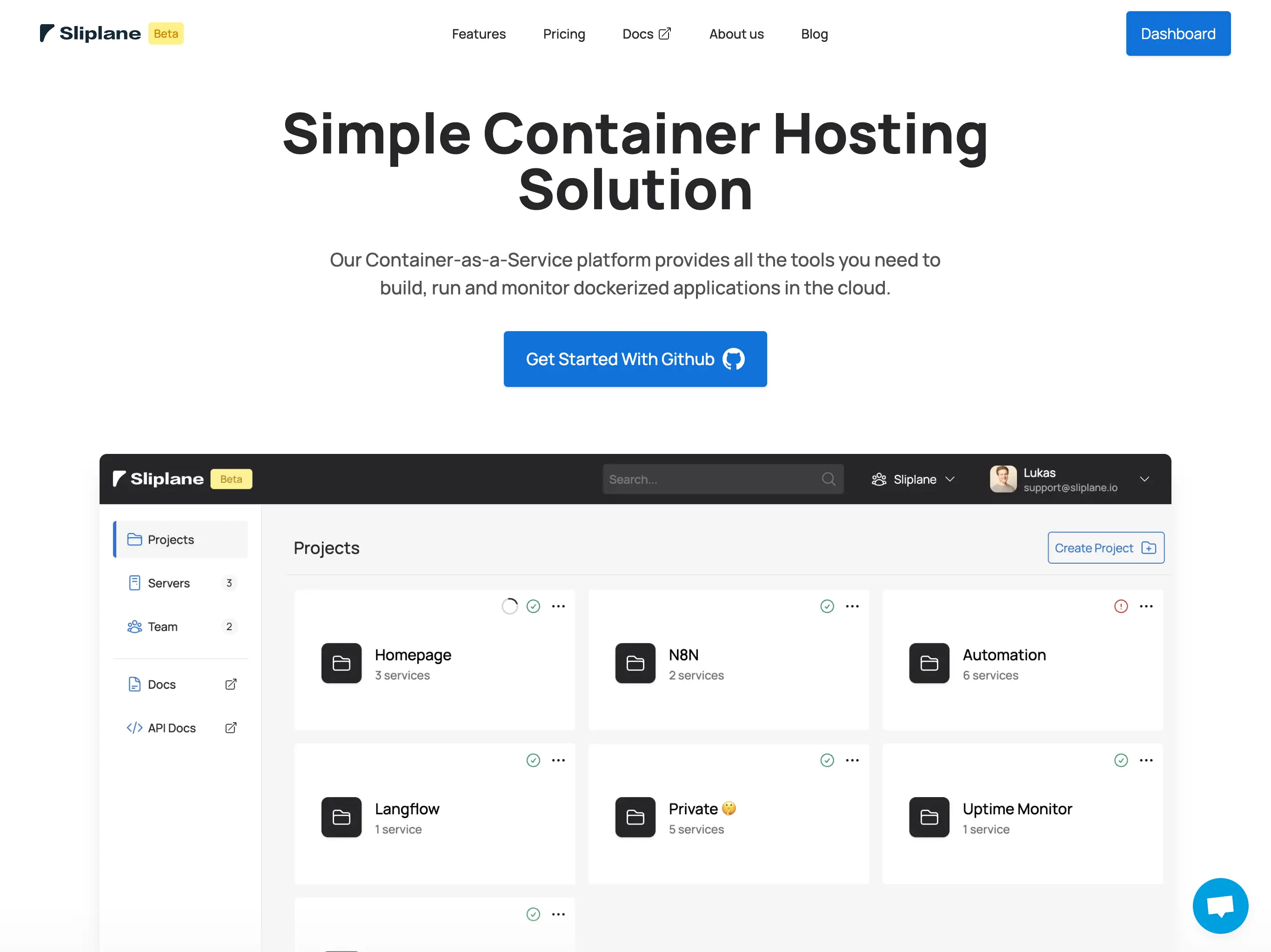
Sliplane solves Render's biggest problem: the per-service pricing model. Instead of paying $7 for each service you deploy, you rent a server for a fixed monthly price and run as many containers on it as you want. Frontend, backend, database, cache, workers, all included for one price.
Advantages over Render:
- Pay-per-server model: no per-service charges, run unlimited containers
- Significantly cheaper for multi-service apps (e.g., €24/month vs. $35+/month on Render for a typical SaaS stack)
- 2TB bandwidth included per server
- Persistent volumes for databases and stateful apps
- European data centers with GDPR compliance
- GitHub integration with automatic deploys on push
The trade-offs:
- No free tier (starts at €9/month)
- No managed databases as a separate service, you run them as containers
- Less polished UI compared to Render (though still easy to use)
- Smaller platform with fewer built-in integrations
The math is simple: if you're running more than two services on Render, Sliplane will likely save you money. A typical setup with a frontend, API, database, and Redis costs $28+/month on Render but fits comfortably on a €9-24/month Sliplane server. Check out our detailed Sliplane vs Render comparison for a full cost breakdown.
2. Fly.io
Fly.io takes a different approach entirely. While Render focuses on developer experience in a single region, Fly.io deploys your containers to a global edge network across 35+ regions. If low latency for international users matters to you, this is the one to look at.
Advantages over Render:
- Global edge deployment across 35+ regions
- Lower latencies for geographically distributed users
- More competitive pricing for compute
- CLI-focused workflow that's efficient once you learn it
- Better suited for latency-sensitive applications
The downsides:
- Steeper learning curve, CLI-only deployments
- No automatic build pipeline from GitHub
- Usage-based pricing can be unpredictable
- Your app architecture needs to support distributed deployment to benefit from edge
- Less intuitive than Render's web-first experience
Fly.io is a great choice if global distribution is important and you're comfortable with a CLI-based workflow. The pricing is generally more competitive than Render for compute, but the developer experience is a step down. If you don't need global deployment and just want affordable hosting, Sliplane gives you predictable pricing without the complexity.
3. Coolify
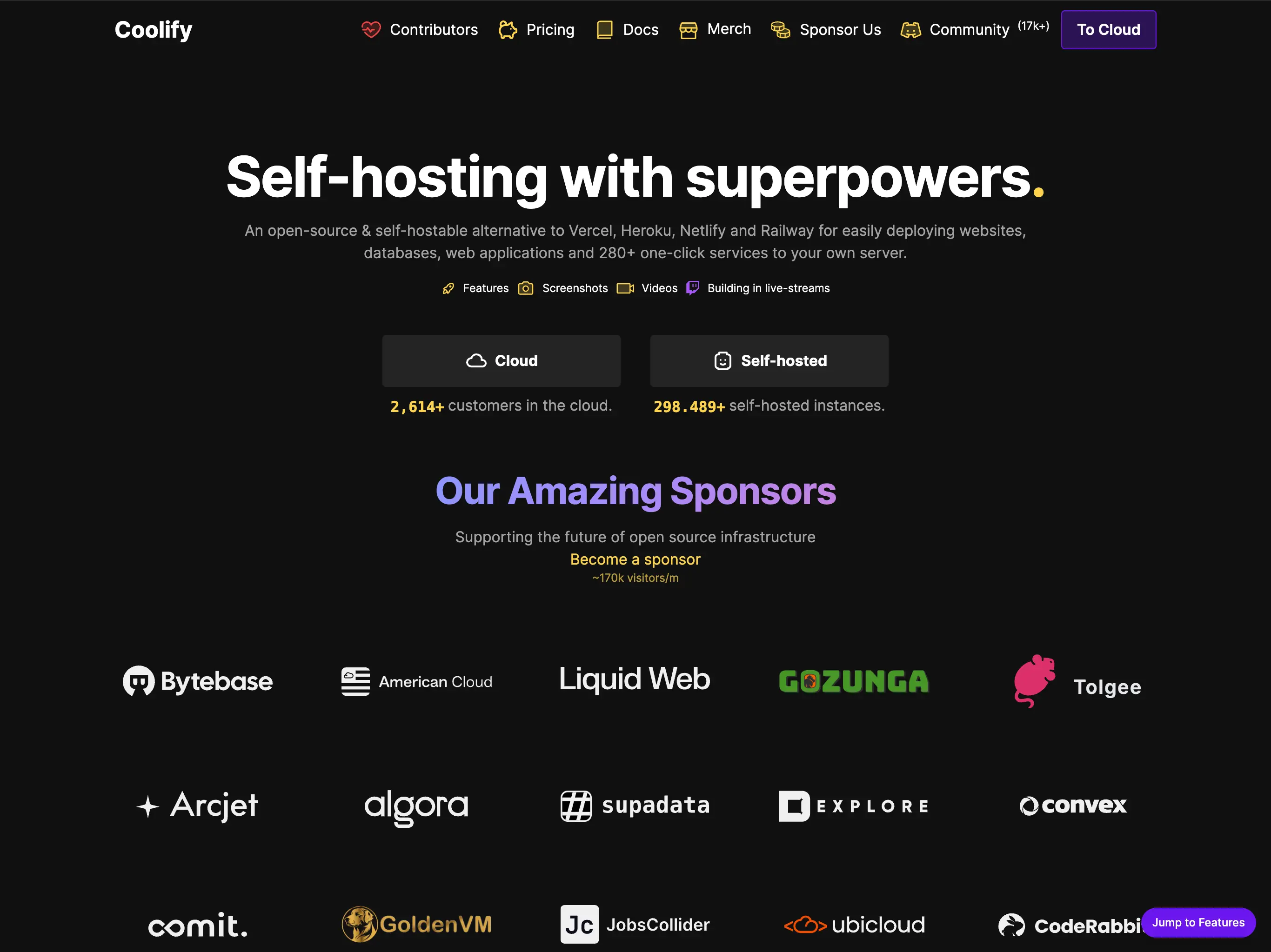
Coolify is the open-source, self-hosted answer to platforms like Render. Install it on any VPS, and you get a deployment platform with GitHub integration, automatic SSL, and a web UI. The catch? You manage the server yourself.
Advantages over Render:
- Completely free software, your only cost is the VPS
- No per-service pricing at all
- Full control over your infrastructure and data
- No vendor lock-in
- Active open-source community (40k+ GitHub stars)
- Deploy on any provider you choose
The downsides:
- You handle server maintenance, security updates, and backups
- Requires Linux and Docker knowledge
- Community support only (no dedicated customer service)
- Setup takes time compared to Render's instant start
- Things can break and you're on your own to fix them
Coolify makes the most sense if you have the technical skills and want to minimize hosting costs. What you'd pay $35/month for on Render can run on a $5-10/month VPS with Coolify installed. The trade-off is your time spent on infrastructure. If you like the cost savings idea but not the maintenance, Sliplane offers a managed experience at a fraction of Render's pricing.
4. Digital Ocean App Platform
Digital Ocean App Platform competes directly with Render in the "easy deployment" space. The experience is similar: deploy from Git, get automatic SSL and scaling. The difference is Digital Ocean's broader ecosystem behind it.
Advantages over Render:
- Part of a larger ecosystem (Droplets, managed databases, object storage, load balancers)
- Free tier for static sites
- More flexibility to mix managed and DIY infrastructure
- Autoscaling on dedicated plans
- Extensive documentation (8000+ tutorials)
- Generally more mature infrastructure
The downsides:
- Per-service pricing, same fundamental problem as Render
- Developer experience is good but not quite as polished as Render's
- Container support is not the primary focus
- Costs still add up with multiple services
- More options can mean more decision fatigue
Digital Ocean App Platform is a reasonable lateral move from Render if you need the broader ecosystem. Managed databases, object storage, and networking services are all available without leaving the platform. But if pricing is your main concern with Render, Digital Ocean has the same per-service model, so you might want something structurally different like Sliplane's pay-per-server approach. See our Digital Ocean alternatives post for more.
5. AWS App Runner
AWS App Runner is Amazon's attempt at making container deployment simple. It's serverless, it's container-native, and it plugs into the massive AWS ecosystem. If you need enterprise-grade infrastructure and are willing to deal with some complexity, it's worth considering.
Advantages over Render:
- Serverless with automatic scaling
- Deep integration with the entire AWS ecosystem (RDS, S3, SQS, etc.)
- Enterprise-grade security, compliance, and monitoring
- Keeps an idle instance warm, reducing cold starts
- Better suited for high-scale production workloads
The downsides:
- AWS learning curve is real: IAM, VPCs, and service configuration add significant complexity
- Developer experience is nowhere near Render's simplicity
- Usage-based pricing can be hard to predict
- Overkill for small to medium projects
- No true scale-to-zero
AWS App Runner makes sense if you're already invested in the AWS ecosystem or need enterprise-scale infrastructure. For most developers coming from Render though, the complexity jump is significant. You don't go to AWS because it's easy, you go because you need what only AWS can offer. For everything else, simpler alternatives exist.
Summary
Render offers a great developer experience, but its per-service pricing model becomes a pain point fast.
Choose Sliplane if you want a similar level of simplicity with dramatically better pricing for multi-service applications. The pay-per-server model is the biggest difference.
Go with Fly.io if global edge deployment and low latency are priorities and you're comfortable with a CLI-based workflow.
Pick Coolify if you have the technical skills and want to self-host for maximum cost savings and control.
Digital Ocean App Platform is a solid choice if you need a broader ecosystem of managed services beyond just app hosting.
Choose AWS App Runner if you need enterprise-grade infrastructure and are already comfortable in the AWS ecosystem.

