

5 Awesome Coolify Alternatives
 Lukas Mauser
Coolify is a fan favorite in the self-hosting community, and for good reason. It's open-source, free, and turns any VPS into a deployment platform. But let's be honest: maintaining your own Coolify instance means dealing with server updates, security patches, debugging networking issues, and all the other joys of being your own sysadmin. If you're looking for something that requires less maintenance, offers a different trade-off, or just want to explore your options, here are five alternatives worth considering:
| Platform | Type | Pricing | Best For | Maintenance |
|---|---|---|---|---|
| Sliplane | Managed PaaS | €9+/month per server | Multiple services, predictable costs | Zero |
| Kamal | Deployment tool | Free (+ server costs) | Ruby/Rails teams, SSH-based deploys | You handle it |
| Render | Managed PaaS | $7+/month per service | Quick productivity, developer experience | Zero |
| Hetzner Cloud VPS | Raw infrastructure | €3.79+/month | Maximum control, best price-performance | You handle it |
| DigitalOcean App Platform | Managed PaaS | $5+/month per app | Small teams, broad ecosystem | Zero |
1. Sliplane
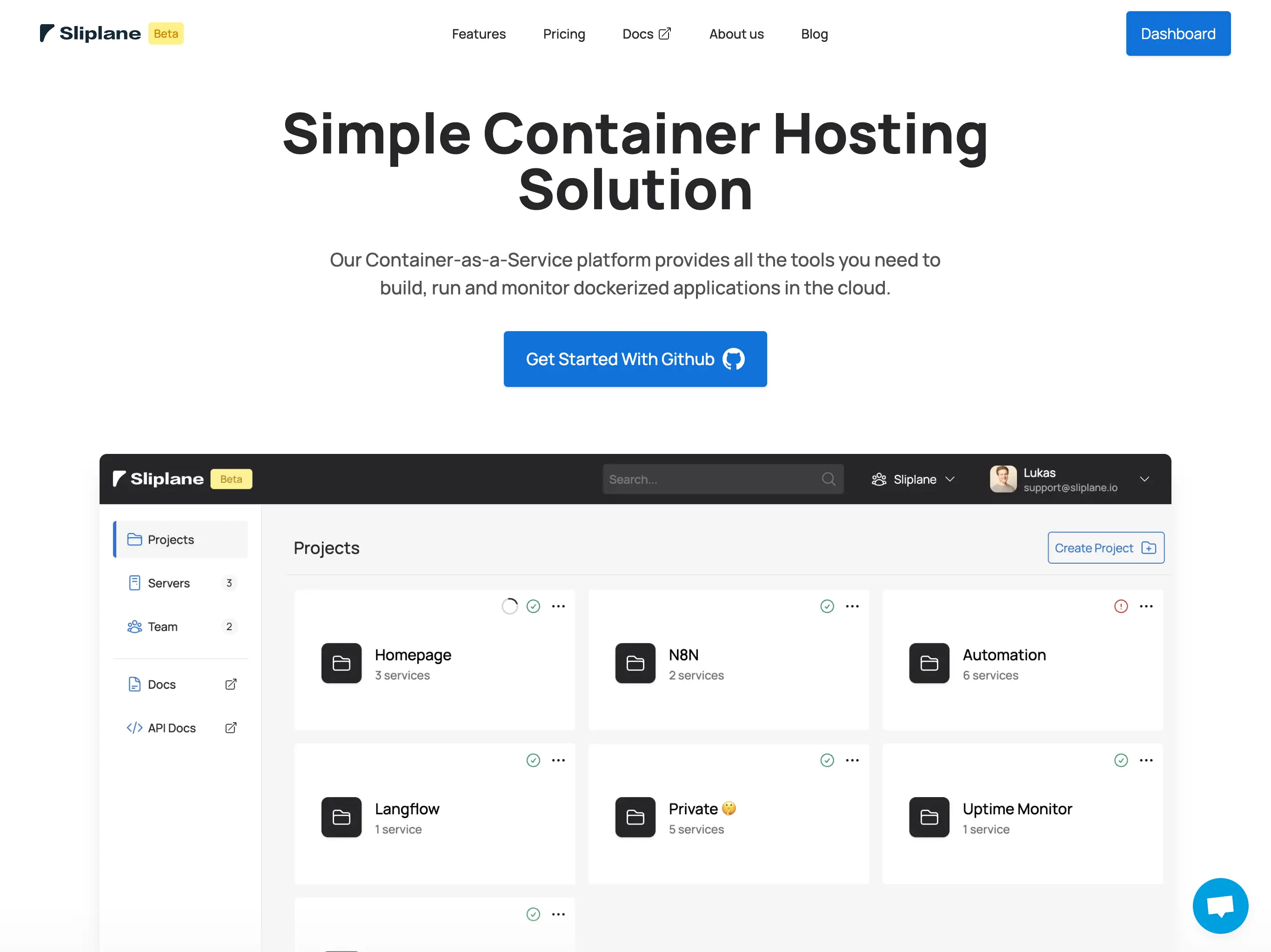
Sliplane gives you a lot of what makes Coolify great, without the server maintenance. It's a managed container platform where you rent a server, deploy as many Docker containers as it can handle, and pay one fixed monthly price. No security patches to apply, no Coolify updates to manage, no debugging why your reverse proxy stopped working at 3am.
Advantages over Coolify:
- Zero maintenance: SSL, monitoring, updates, all handled for you
- Deploy from GitHub or any Docker registry with automatic builds
- Web UI with zero setup, no need to install anything on a server first
- Persistent volumes, health checks, and zero-downtime deployments included
- European data centers with GDPR compliance
- Support included, not just community Discord
The trade-offs:
- Not free: starts at €9/month (vs. Coolify's $0 for the software)
- Less customization than a self-hosted setup
- No root access to the underlying server
- Limited to Sliplane's supported features and regions
The way I see it: Coolify trades money for time, Sliplane trades time for money. If your time is worth more than €9/month (it is), the managed approach pays for itself quickly. We wrote a more detailed comparison of Sliplane vs Coolify if you want to see the full breakdown.
2. Kamal
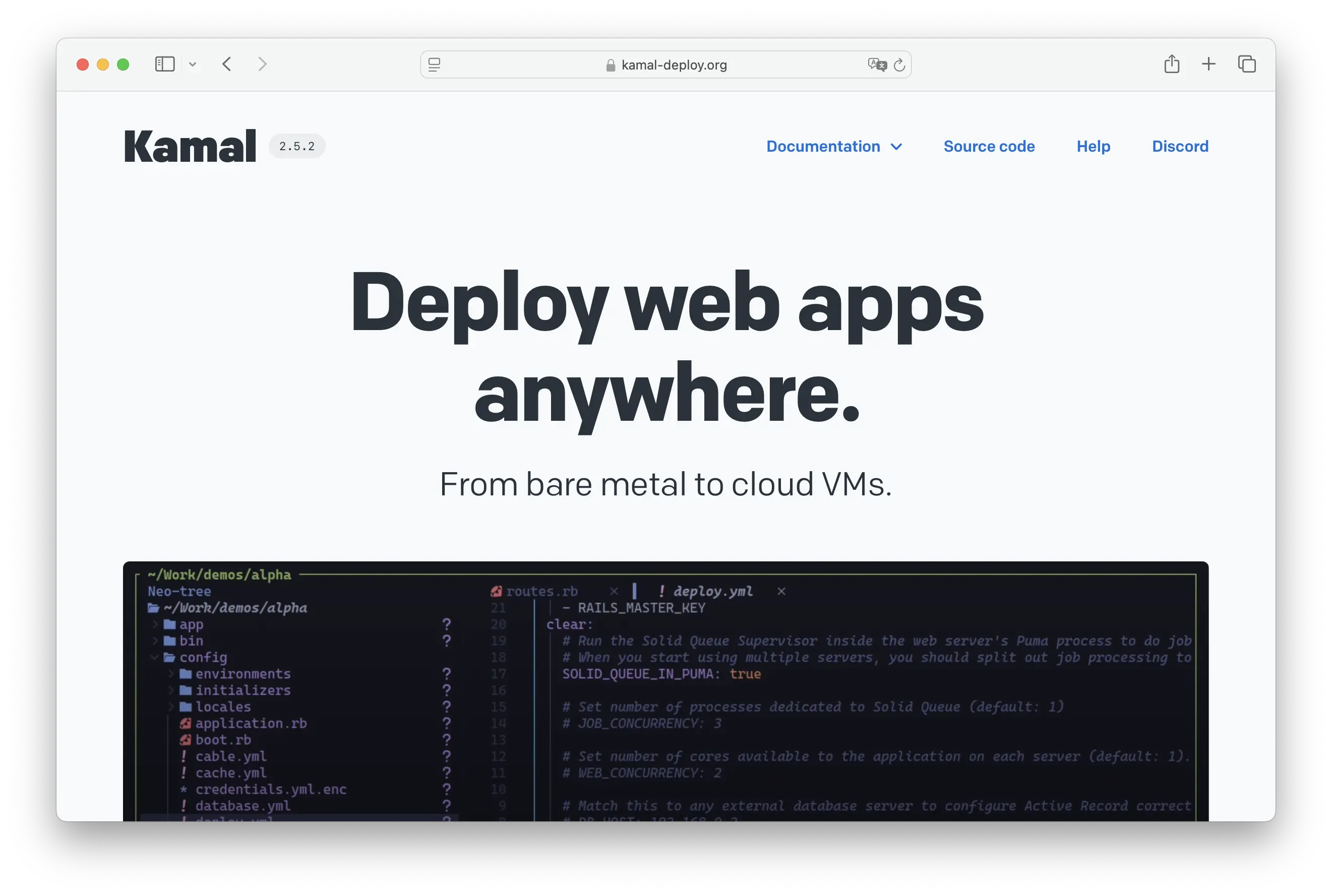
Kamal is a deployment tool built by 37signals (the Basecamp/HEY people). It deploys Docker containers to your servers over SSH. Think of it as a lightweight alternative to Coolify that doesn't try to be a full platform, it just deploys your stuff.
Advantages over Coolify:
- Simpler mental model: it's a deployment tool, not a platform
- No web UI to install and maintain
- Works with any server you can SSH into
- Configuration lives in your repo as code
- Built and battle-tested by 37signals for their own production apps
- Great fit for Rails apps, but works with any Docker container
The trade-offs:
- No web interface for managing deployments
- You still manage server setup, security, and maintenance
- SSL and reverse proxy setup is on you (Kamal helps with Traefik, but it's more manual)
- Smaller community compared to Coolify
- Less beginner-friendly, assumes comfort with CLI and Docker
Kamal is a great choice if you like Coolify's self-hosted philosophy but want something leaner. It's particularly popular in the Ruby/Rails community, but it works with anything you can put in a Docker container. You still need to manage your own servers though, so if that's the part you want to eliminate, look at a managed option instead.
3. Render

Render is the opposite end of the spectrum from Coolify. Where Coolify gives you full control and asks you to manage everything, Render abstracts it all away. Connect a GitHub repo, pick a service type, done. It's one of the smoothest deployment experiences available.
Advantages over Coolify:
- Zero infrastructure management, even less than Sliplane
- Managed databases, cron jobs, and background workers built in
- Excellent documentation and developer experience
- Free tier for getting started
- Automatic SSL, CDN, and scaling
The downsides:
- Gets expensive fast: $7/month per web service, $7/month per database, it adds up
- No self-hosting option, you're fully dependent on Render
- Less flexibility than Coolify for custom setups
- Cold starts on the free tier are painfully slow
- No pay-per-server model, costs scale linearly with services
Render makes sense if you value developer experience above all else and don't mind paying for it. For simple apps with one or two services, it's hard to beat the convenience. But for multi-service setups, the per-service pricing becomes a problem, which is where Coolify's free model or Sliplane's pay-per-server approach shines.
4. Hetzner Cloud VPS
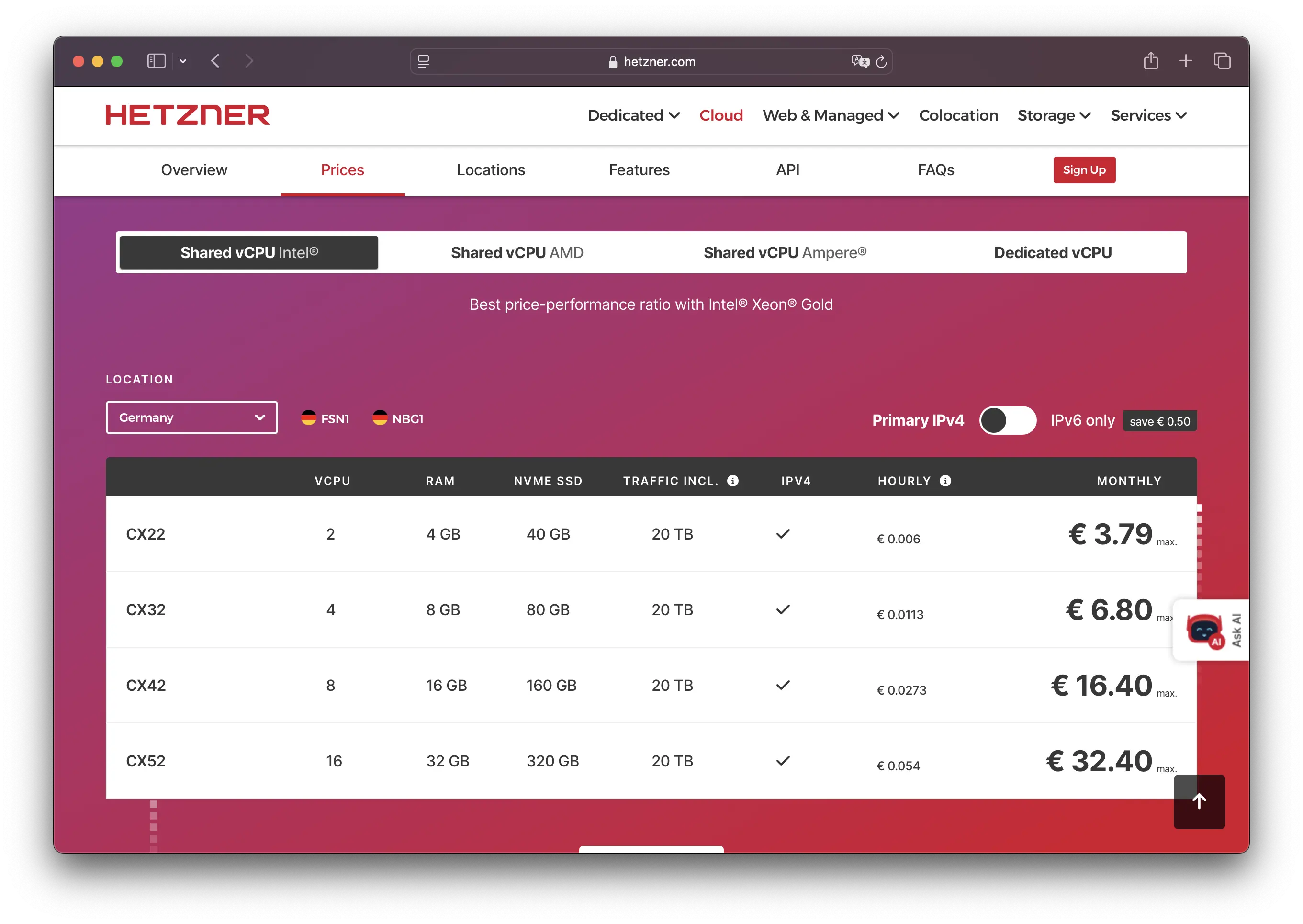
If you're already running Coolify, chances are you're running it on a Hetzner VPS. So here's the question: do you even need Coolify? With Docker Compose and a basic Caddy or Nginx setup, you can deploy containers directly on a Hetzner VPS without any platform in between.
Advantages over Coolify:
- Even cheaper: starts at €3.79/month for 2 vCPUs, 4GB RAM
- 20TB bandwidth included (that's 10x what most platforms offer)
- Full root access, install whatever you want
- No platform layer that can break or need updates
- European data centers with excellent connectivity
The downsides:
- You handle everything: server setup, Docker, reverse proxy, SSL, backups, security
- No deployment UI or GitHub integration (unless you build it yourself)
- No managed services, databases, or monitoring
- Steeper learning curve for those not comfortable with Linux
This approach is for developers who are comfortable with server administration and want the absolute lowest cost. You get incredible hardware for the price, but the trade-off is doing everything yourself. If you're already using Coolify mainly as a Docker Compose wrapper, cutting out the middle layer might simplify things. For those who want Hetzner-level pricing with a managed experience, Sliplane actually runs on Hetzner infrastructure and handles all the ops for you.
5. DigitalOcean App Platform
DigitalOcean App Platform is a managed deployment service from one of the most popular cloud providers for indie developers and small teams. It deploys from Git repos or container registries and handles the infrastructure side.
Advantages over Coolify:
- Fully managed, no server maintenance
- Part of a broader ecosystem: managed databases, object storage, load balancers
- Free tier for static sites
- Good documentation (8000+ tutorials)
- Autoscaling on dedicated plans
The downsides:
- Per-service pricing that grows with complexity
- Less flexibility than a self-hosted Coolify setup
- Container support is not the primary focus of the platform
- Can become expensive for multi-service applications
- Vendor lock-in to the DigitalOcean ecosystem
DigitalOcean App Platform is a solid choice if you want a managed experience and need more than just container hosting. The broader ecosystem with managed databases, storage, and networking can save time. But if you're deploying mainly Docker containers and want to keep costs down, Sliplane's container-first approach with pay-per-server pricing is more cost-effective.
Summary
Coolify is a great tool, but it's not the only way to deploy containers. The right alternative depends on what you're trying to optimize for.
Choose Sliplane if you want Coolify's simplicity without the server maintenance. The pay-per-server model keeps costs predictable, and you can focus on building instead of administering.
Go with Kamal if you like the self-hosted approach but want a lighter tool that stays out of your way. Perfect for teams that are comfortable with CLI and SSH.
Pick Render if developer experience is everything and you're willing to pay for maximum convenience.
Choose Hetzner if you want the absolute lowest costs and have the Linux skills to manage everything yourself.
DigitalOcean App Platform is a good fit if you need a managed platform with a broad ecosystem of complementary services beyond just container hosting.

