
5 Awesome Excalidraw Alternatives in 2026
 Yulei Chen
Excalidraw is one of the most popular open-source whiteboard tools, loved for its hand-drawn, sketch-like aesthetic. It's great for brainstorming, wireframing, quick architecture sketches, product flows, and diagrams that feel approachable rather than clinical.
The hosted version at excalidraw.com is free and great, but it is not always the right fit. Teams often start looking for an Excalidraw alternative when they need more formal technical diagramming, stronger workshop facilitation, Figma-style design workflows, or a private self-hosted setup.
If your main issue is privacy or control, you may not need to replace Excalidraw at all. You can self-host Excalidraw for just €9 per month with Sliplane: one click, HTTPS included, no server management needed. Check out our easy deploy guide to get started in minutes.
Quick Picks
- Best technical diagramming alternative: draw.io.
- Best workshop tool: Miro.
- Best design-team whiteboard: FigJam.
- Best open-source design and whiteboarding platform: Penpot.
- Best if you just want private Excalidraw: self-host Excalidraw on Sliplane.
Comparison
| Alternative | Best for | Self-hostable? | Sliplane fit |
|---|---|---|---|
| tldraw | Polished infinite canvas apps | Partly | Possible, but multiplayer needs extra backend work |
| draw.io | Technical diagrams and architecture | Yes | Good fit for a simple hosted container |
| Miro | Remote workshops | No | Not applicable; SaaS only |
| FigJam | Design brainstorming | No | Not applicable; SaaS only |
| Penpot | Open-source design + whiteboarding | Yes | Good fit, but heavier than Excalidraw |
| Excalidraw | Private sketch-style diagrams | Yes | Excellent fit for simple managed self-hosting |
How to Choose an Excalidraw Alternative
The best Excalidraw alternative depends on what is missing from Excalidraw for your team:
- Choose tldraw if you want a cleaner infinite canvas or need to embed a whiteboard SDK in your own product.
- Choose draw.io if your work is mostly technical diagrams, architecture diagrams, UML, ERDs, or flowcharts.
- Choose Miro if you run remote workshops and need timers, voting, facilitation templates, and enterprise collaboration controls.
- Choose FigJam if designers already spend most of their day in Figma and want brainstorming close to their design files.
- Choose Penpot if you want an open-source design platform with self-hosting and whiteboarding in one tool.
- Stick with self-hosted Excalidraw if you mainly want privacy, a custom domain, and simple sketch-style diagrams without SaaS lock-in.
Now let's look at the 5 best Excalidraw alternatives in more detail.
1. tldraw
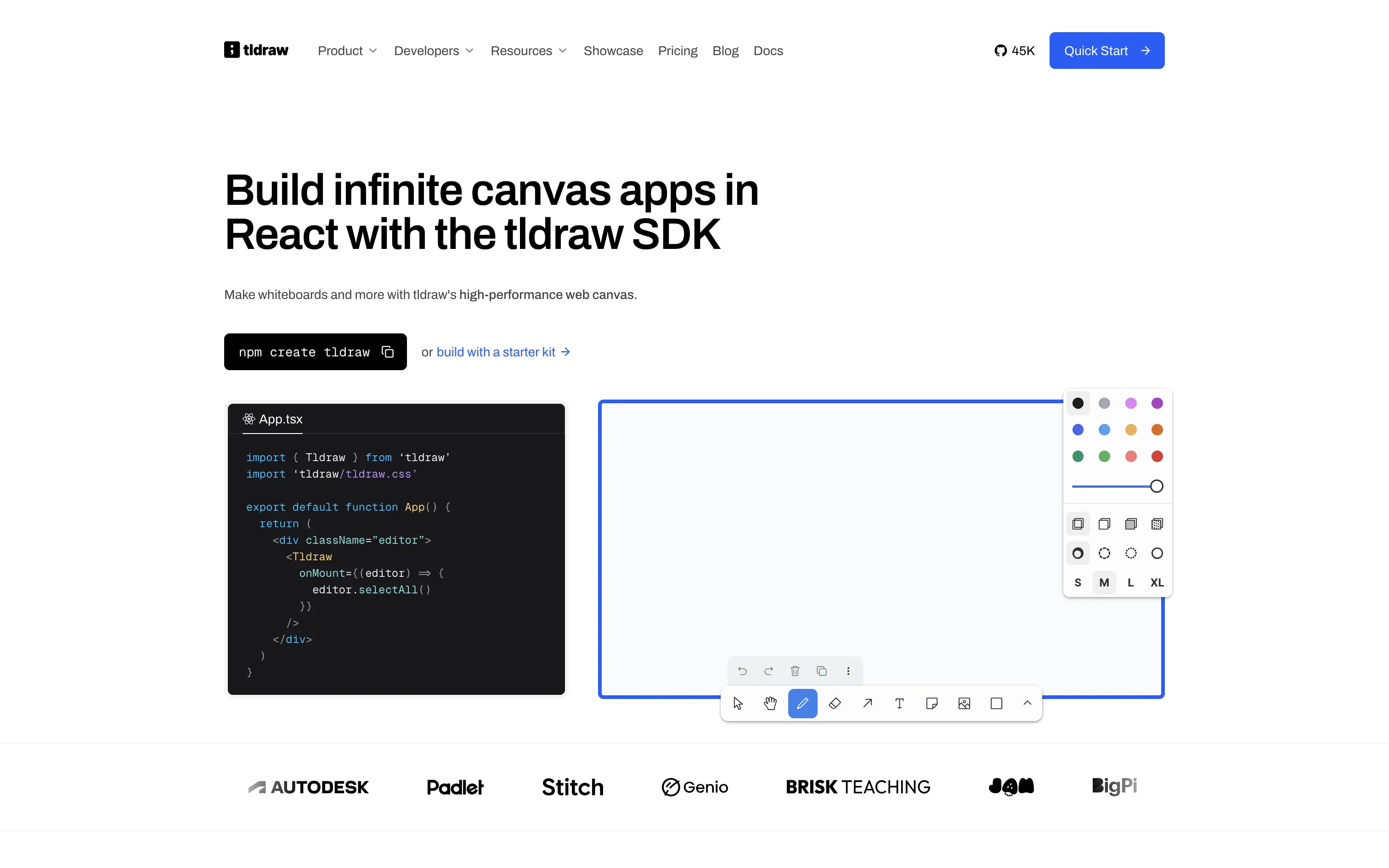
tldraw is a modern whiteboard application and infinite canvas SDK with over 45,000 GitHub stars. Where Excalidraw leans into a hand-drawn aesthetic, tldraw uses clean geometric shapes and a polished, professional look inspired by tools like Figma.
- Features: Infinite canvas with zoom, shapes, arrows, text, sticky notes, freehand drawing, snapping and alignment, real-time collaboration, image and video embedding, and an embeddable React SDK for building custom canvas apps.
- Why You Should Use It: If you want a whiteboard that looks more polished and professional than Excalidraw's sketchy style, tldraw delivers. It's also the go-to choice for developers who want to embed an infinite canvas into their own applications. The React SDK is incredibly well-designed and extensible.
- Why Not: tldraw's SDK uses a custom license that requires a commercial license ($6,000/year) for production use in embedded apps. The whiteboard itself is simpler than Excalidraw in terms of shape libraries and templates. Self-hosting requires setting up a sync backend for multiplayer.
- Pricing: tldraw.com is free to use. The SDK has a 100-day free trial, then $6,000/year for commercial use. Free hobby licenses are available for non-commercial projects. Self-hosting is possible via a community Docker image.
2. draw.io (diagrams.net)
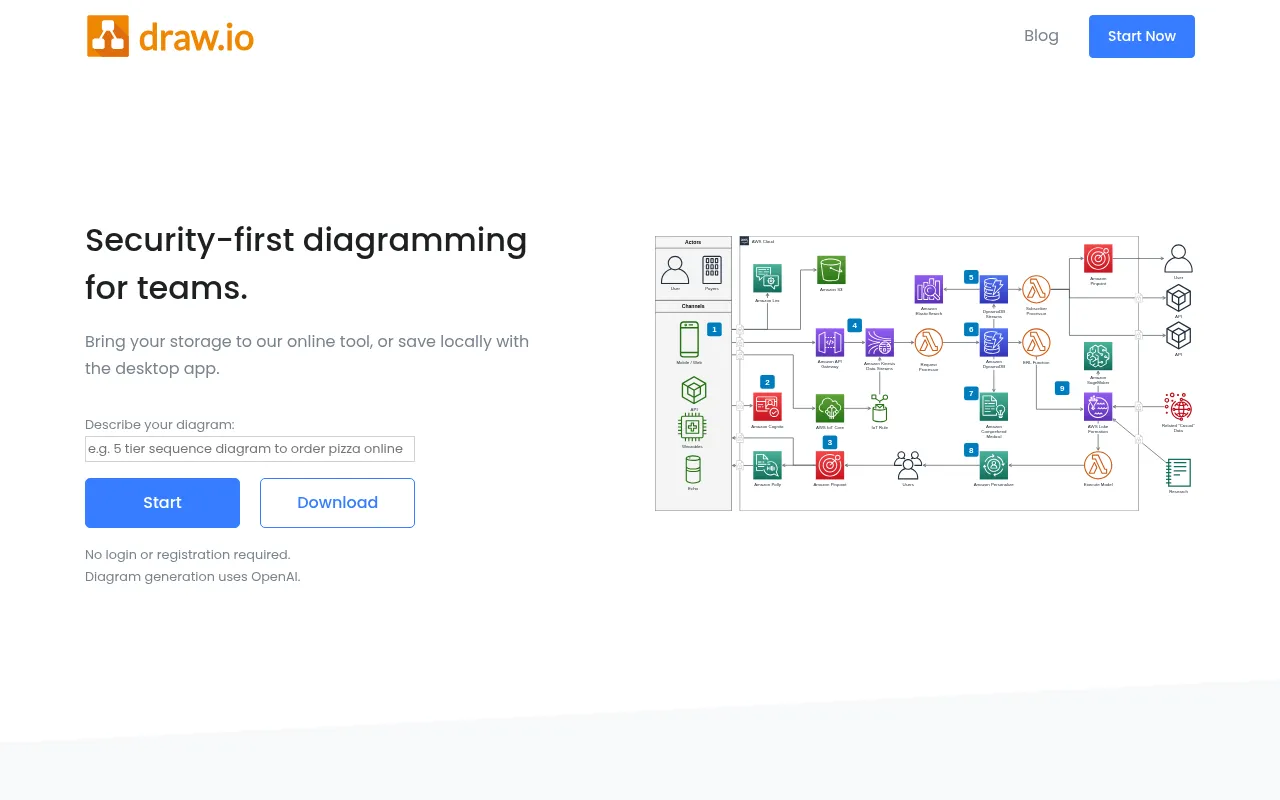
draw.io is the most popular free diagramming tool on the web, used by millions for everything from flowcharts to cloud architecture diagrams. While Excalidraw is built for informal sketching, draw.io is built for precise, structured diagrams.
- Features: Hundreds of shape libraries (AWS, GCP, Azure, UML, BPMN, network, ERD), Visio import/export, drag-and-drop editing, dark mode, offline desktop app, integrations with Google Drive, OneDrive, GitHub, GitLab, Confluence, and Jira.
- Why You Should Use It: If you need professional-looking technical diagrams with proper shape libraries for cloud architecture, UML, or flowcharts, draw.io is hard to beat. It's completely free for individual use, requires no account, and works both in the browser and as a desktop app. No other tool matches its breadth of templates and integrations.
- Why Not: draw.io is not designed for real-time collaborative whiteboarding. The editing experience feels more like a traditional diagram editor than a freeform canvas. It lacks Excalidraw's informal, sketch-friendly vibe and doesn't support freehand drawing.
- Pricing: completely free for individual use (web and desktop). Confluence/Jira integration is free for up to 10 users, then starts around $1.70/user/month for larger teams. Self-hosting is free and trivial (no database required).
3. Miro
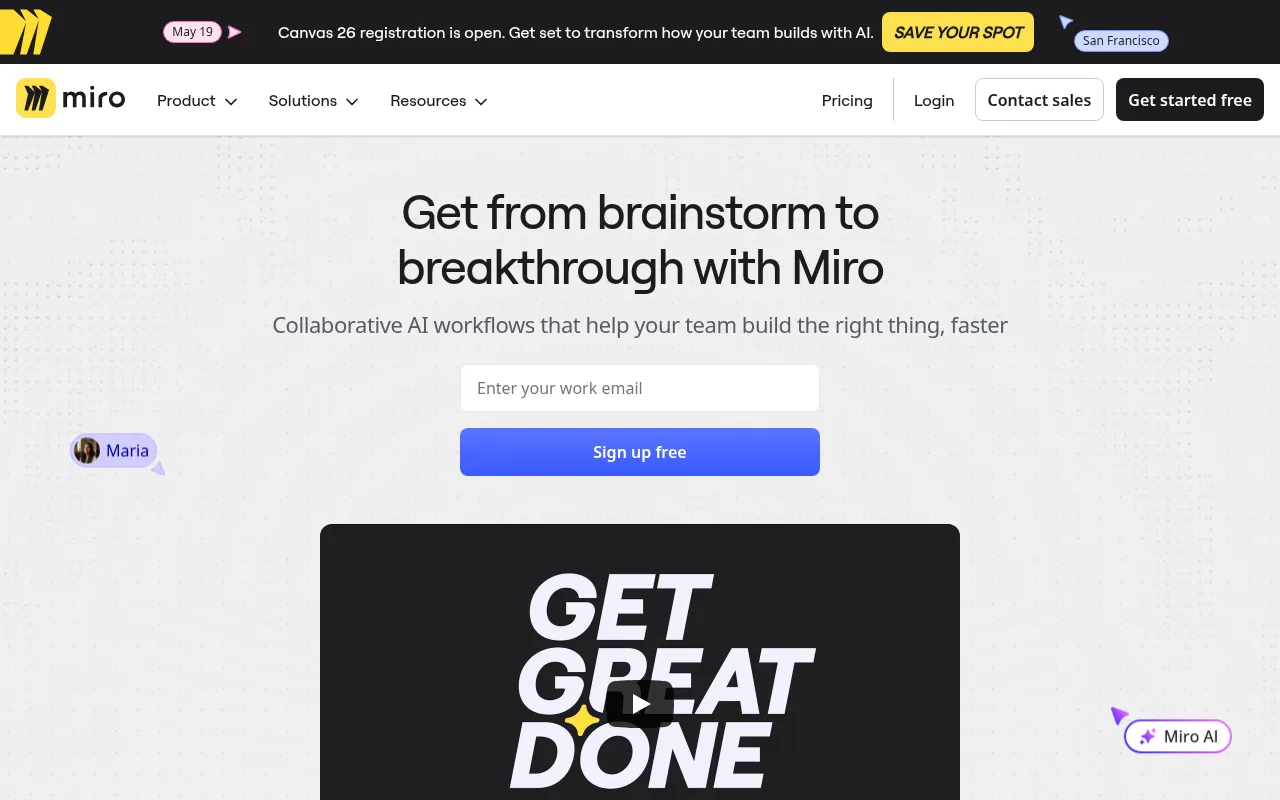
Miro is the industry leader in collaborative online whiteboards, used by over 80 million users worldwide. It goes far beyond simple diagramming into full workshop facilitation, project planning, and team collaboration.
- Features: Infinite canvas, 2,500+ templates, sticky notes, mind maps, flowcharts, wireframes, Kanban boards, voting and timer tools, video chat, AI-powered features (summarization, clustering, idea generation), and 100+ integrations (Jira, Slack, Asana, Figma).
- Why You Should Use It: If collaboration and workshops are your primary use case, Miro is unmatched. The template library covers everything from sprint retrospectives to customer journey maps. Built-in facilitation tools like voting, timers, and breakout frames make it perfect for remote team workshops. The AI features can auto-organize sticky notes and generate summaries.
- Why Not: Miro is proprietary and cannot be self-hosted. The free plan is very limited (3 editable boards). Pricing adds up quickly for teams since it's per-user. It can feel heavy and complex for simple diagramming tasks where Excalidraw's simplicity shines.
- Pricing: Free plan (3 boards, limited features); Starter at $8/user/month (annual); Business at $20/user/month (annual); Enterprise with custom pricing. No self-hosting option.
4. FigJam
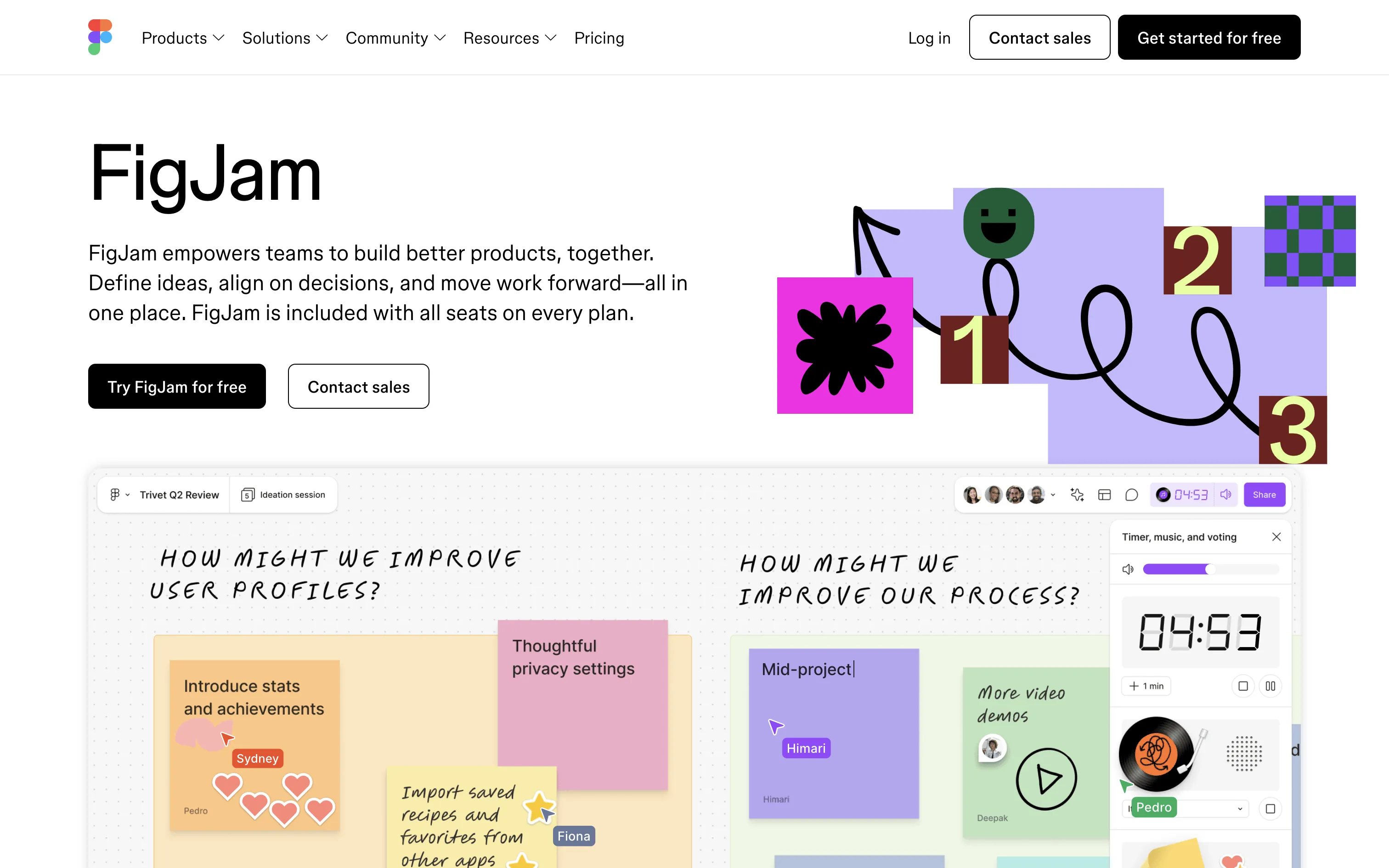
FigJam is Figma's collaborative whiteboard tool, designed to be a lightweight, fun space for brainstorming and ideation. It inherits Figma's excellent real-time collaboration engine while keeping things simple and playful.
- Features: Sticky notes, shapes, connectors, stamps and emoji reactions, drawing tools, widgets, templates, AI-powered features (auto-summarize, auto-sort), presentation mode, audio chat, and tight integration with Figma design files.
- Why You Should Use It: If your team already uses Figma for design, FigJam is a natural fit. The integration means you can jump between whiteboard brainstorming and actual design work seamlessly. It's also significantly cheaper than Miro, and the playful UX (stamps, reactions, stickers) makes workshops more engaging. Viewers and participants are always free.
- Why Not: FigJam is proprietary with no self-hosting option. It's less feature-rich than Miro for advanced workshop facilitation. The diagramming capabilities are basic compared to draw.io or even Excalidraw. It's a separate subscription from Figma Design if you need both.
- Pricing: Free plan (3 FigJam files); Professional at $3/editor/month (annual) or $5/month (monthly); Organization at $5/editor/month; Enterprise pricing on request. No self-hosting option.
5. Penpot
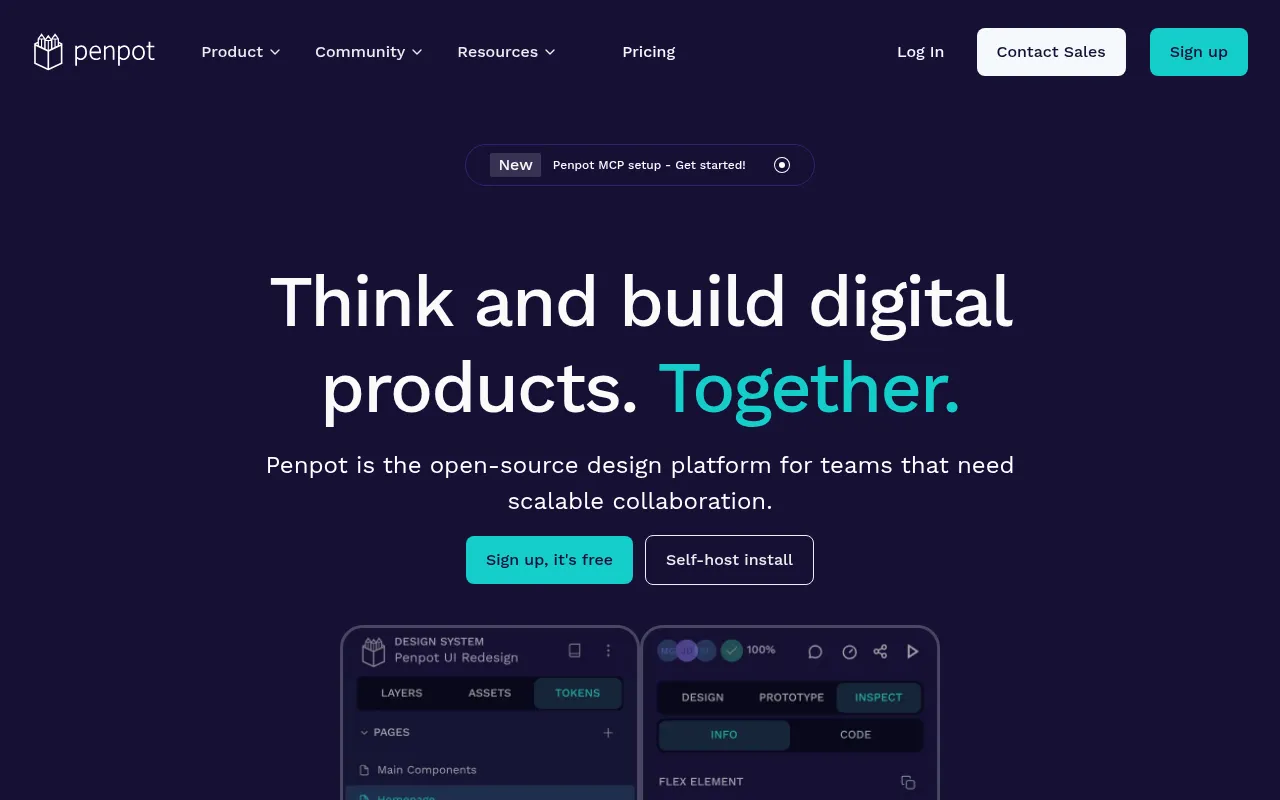
Penpot is the only fully open-source design platform that you can self-host. While it started as a Figma alternative for UI design, it now includes whiteboard features, prototyping, and design-to-code capabilities, making it a unique all-in-one alternative.
- Features: Design tool with vector editing, components and design systems, prototyping, built-in whiteboard mode, real-time collaboration, CSS-ready inspect mode, plugin support, SVG-native file format, and full self-hosting with Docker.
- Why You Should Use It: If you want an open-source tool that combines design and whiteboarding in one place, Penpot is your best bet. You own your data, can self-host for full privacy, and there are no per-seat fees. The flat pricing model ($175/month for unlimited team members) is a steal for larger teams compared to per-user tools like Miro or Figma.
- Why Not: Penpot's whiteboard mode is more basic than dedicated whiteboard tools like Excalidraw or Miro. The design features, while improving fast, still lag behind Figma in areas like auto-layout and animations. The plugin ecosystem is younger and smaller.
- Pricing: Free plan (fully featured, no limits); Premium at $175/month (unlimited seats, 25GB storage); Enterprise at $950/month (dedicated infrastructure, advanced security). Self-hosting is completely free.
Conclusion
| Tool | Best For | Ease of Setup | Focus | Cloud Pricing |
|---|---|---|---|---|
| Excalidraw | Quick sketches, hand-drawn diagrams | Very Easy | Informal whiteboarding | Excalidraw+ $6-7/user/mo |
| tldraw | Polished whiteboard, embeddable SDK | Moderate | Clean canvas apps | Free app, $6k/yr SDK |
| draw.io | Technical diagrams, architecture | Very Easy | Structured diagramming | Free (paid for Atlassian) |
| Miro | Team workshops, facilitation | Easy | Collaboration platform | Miro $8-20/user/mo |
| FigJam | Design teams, brainstorming | Easy | Playful whiteboarding | FigJam $3-5/editor/mo |
| Penpot | Open-source design + whiteboard | Moderate | Design platform | Free, $175/mo team |
Each tool fills a different gap: tldraw for a polished canvas experience and SDK embedding, draw.io for precise technical diagrams, Miro for enterprise team collaboration, FigJam for design-team brainstorming, and Penpot for open-source design with whiteboard features.
Excalidraw remains a fantastic choice for quick, informal diagramming, especially if you love the hand-drawn look and want something lightweight and open-source. But if your needs lean more toward structured diagrams, team workshops, or a full design platform, one of these alternatives might be a better fit.
FAQ
What is the best Excalidraw alternative?
For technical diagrams, draw.io is the strongest Excalidraw alternative. For collaborative workshops, Miro is the most complete. For an open-source design platform, Penpot is the best fit. If you simply want a private Excalidraw instance, self-hosting Excalidraw is usually simpler than switching tools.
Is there a self-hosted Excalidraw alternative?
Yes. Penpot and draw.io can be self-hosted, and Excalidraw itself can also be self-hosted. tldraw can be self-hosted in some setups, but multiplayer collaboration requires additional backend work.
Is Excalidraw better than Miro?
Excalidraw is better for fast, lightweight sketches and informal diagrams. Miro is better for workshops, large teams, templates, facilitation, and enterprise collaboration. The tradeoff is simplicity versus team workflow depth.
Is draw.io better than Excalidraw?
draw.io is better for precise technical diagrams, cloud architecture, UML, network diagrams, and export-heavy documentation. Excalidraw is better when you want a fast, friendly canvas for sketching ideas.
Can I use Excalidraw privately?
Yes. You can use Excalidraw locally in your browser, export files manually, or self-host Excalidraw on your own domain. Sliplane gives you the self-hosted option without maintaining a VPS, reverse proxy, or SSL certificates yourself.
If you want the same sketch-style workflow with more control, deploy Excalidraw on Sliplane or read our guide on self-hosting Excalidraw the easy way.

